

This article applies to the following countries
- All countries
- Scenario 1: New organisation without users
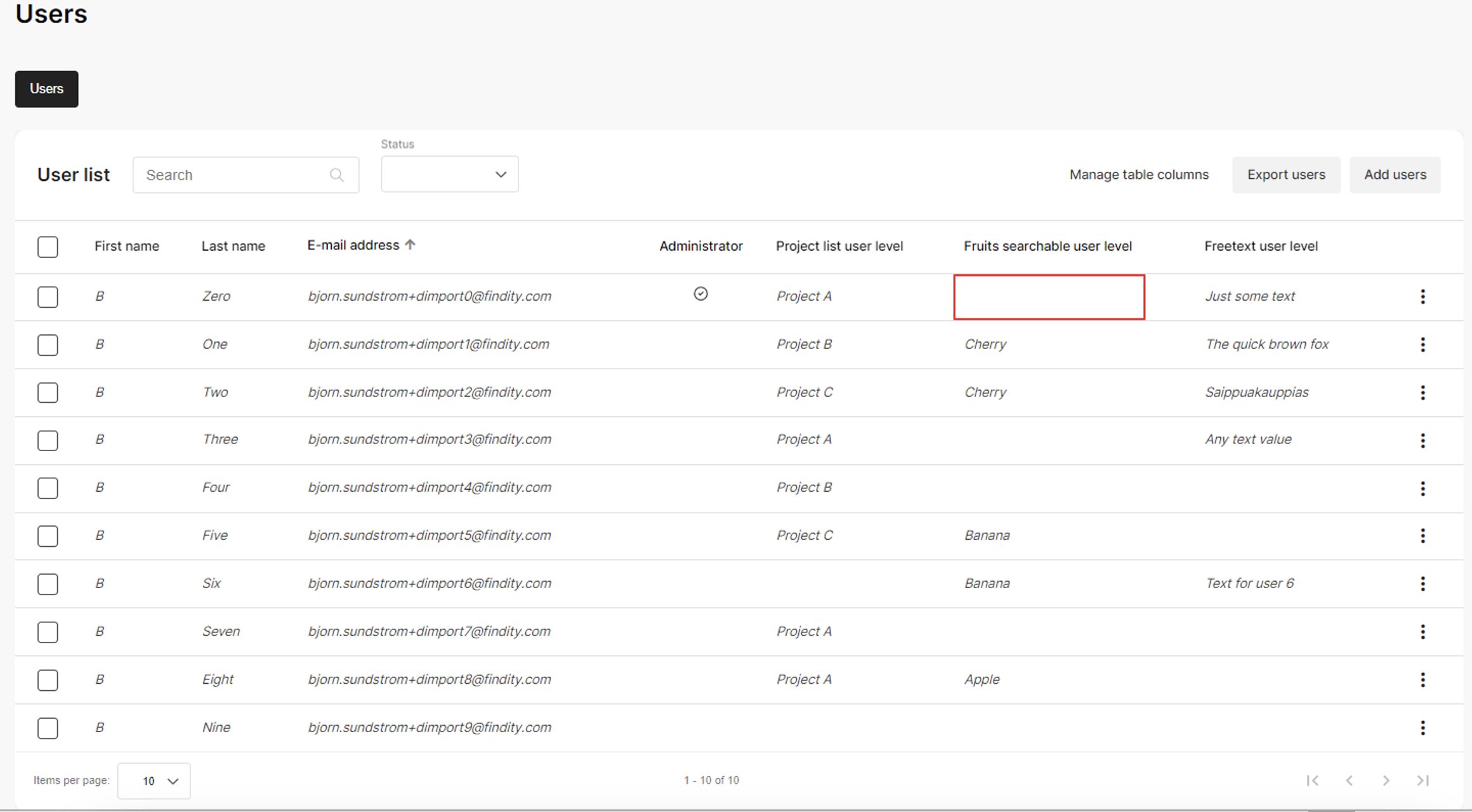
- Scenario 2: Org with users, missing dimension values
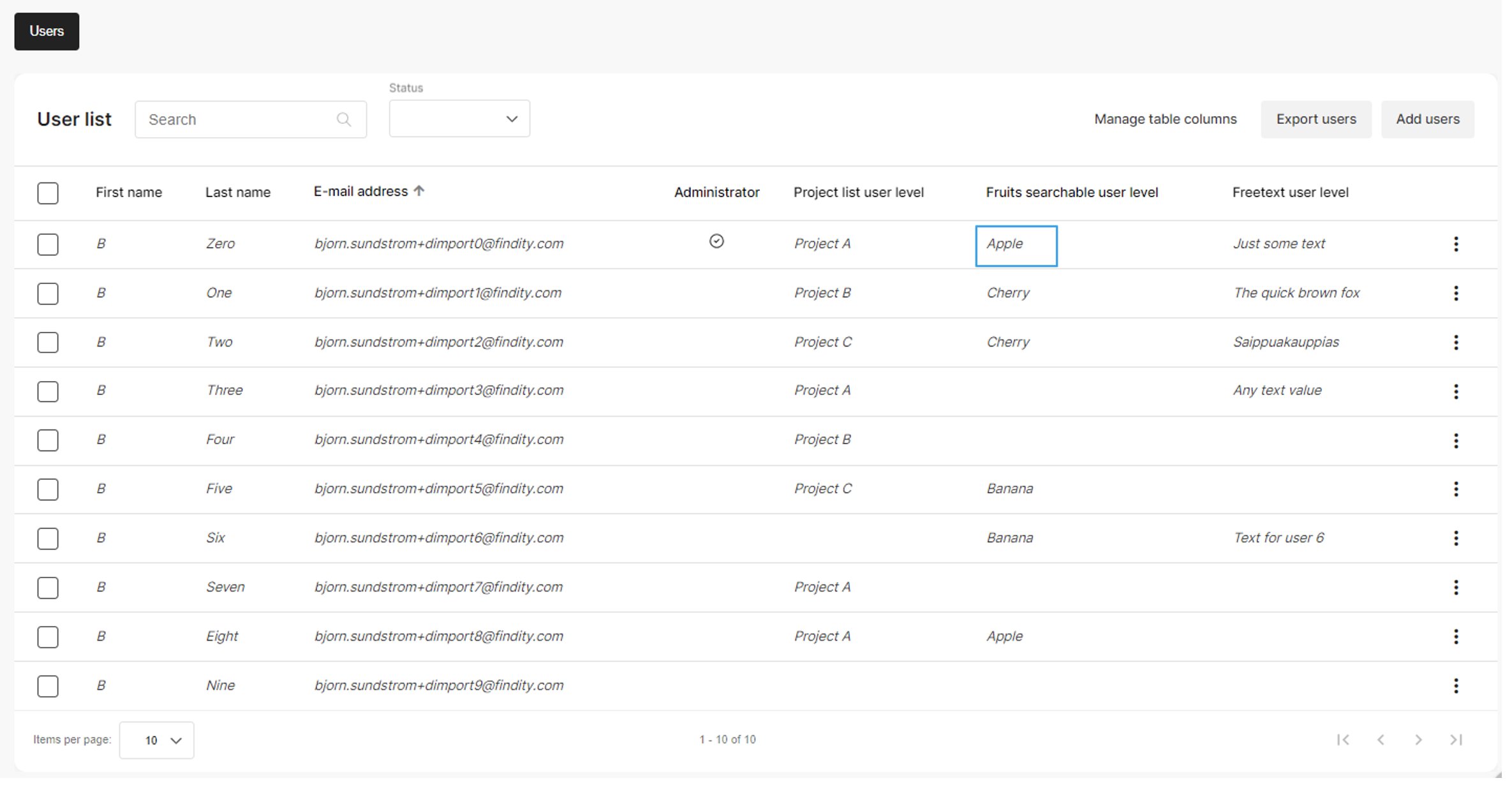
- Scenario 3: Replacing dimension values
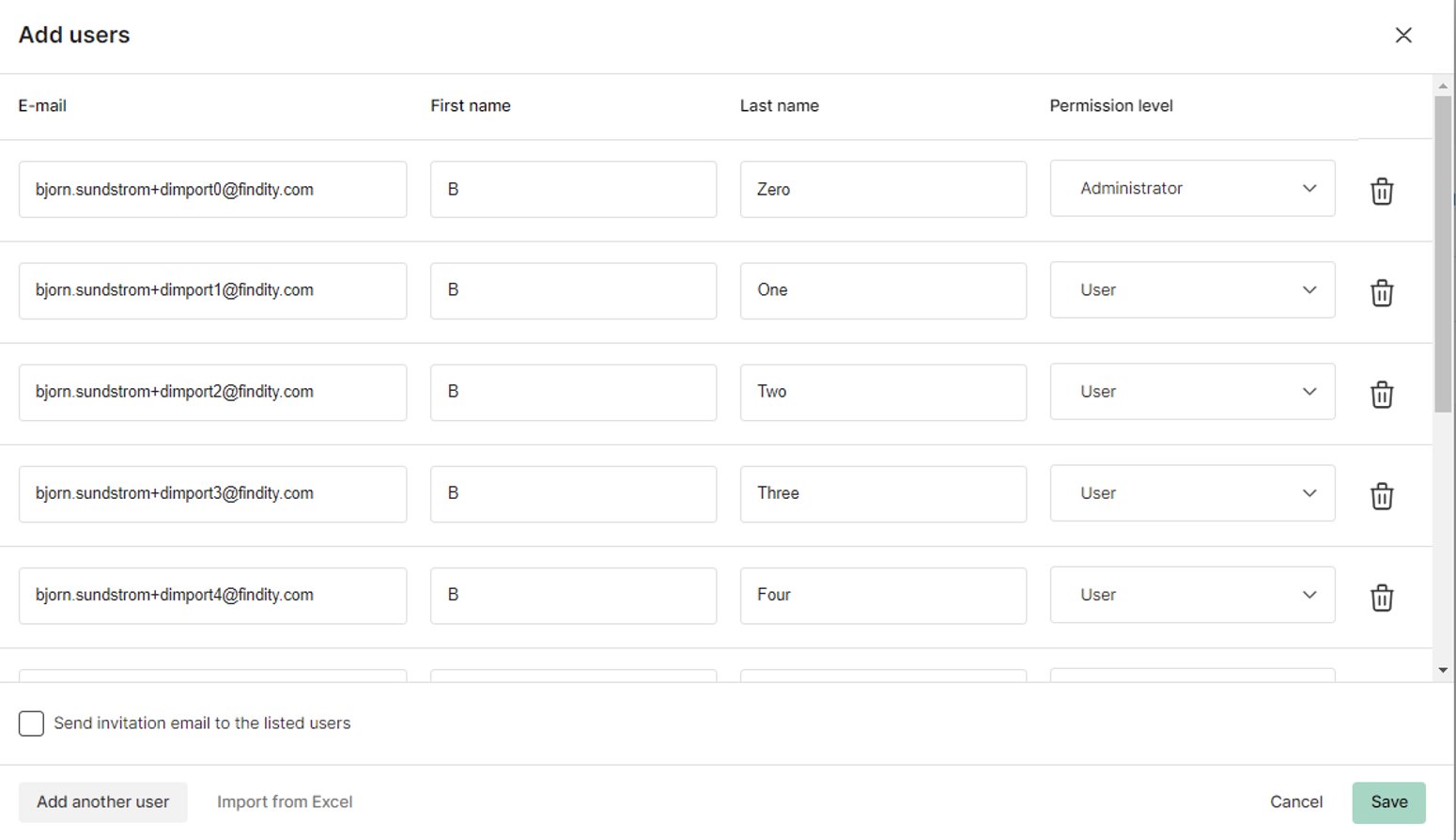
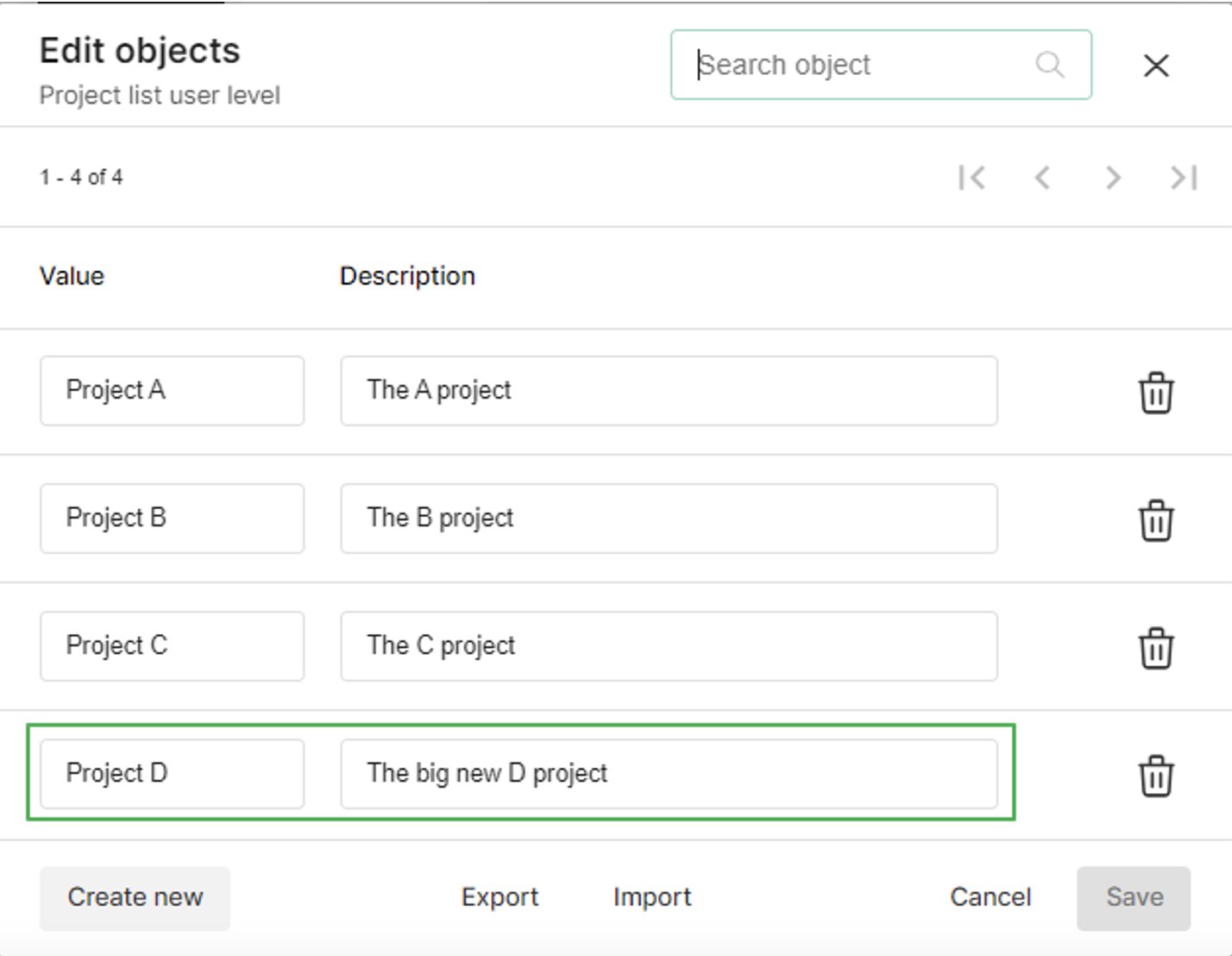
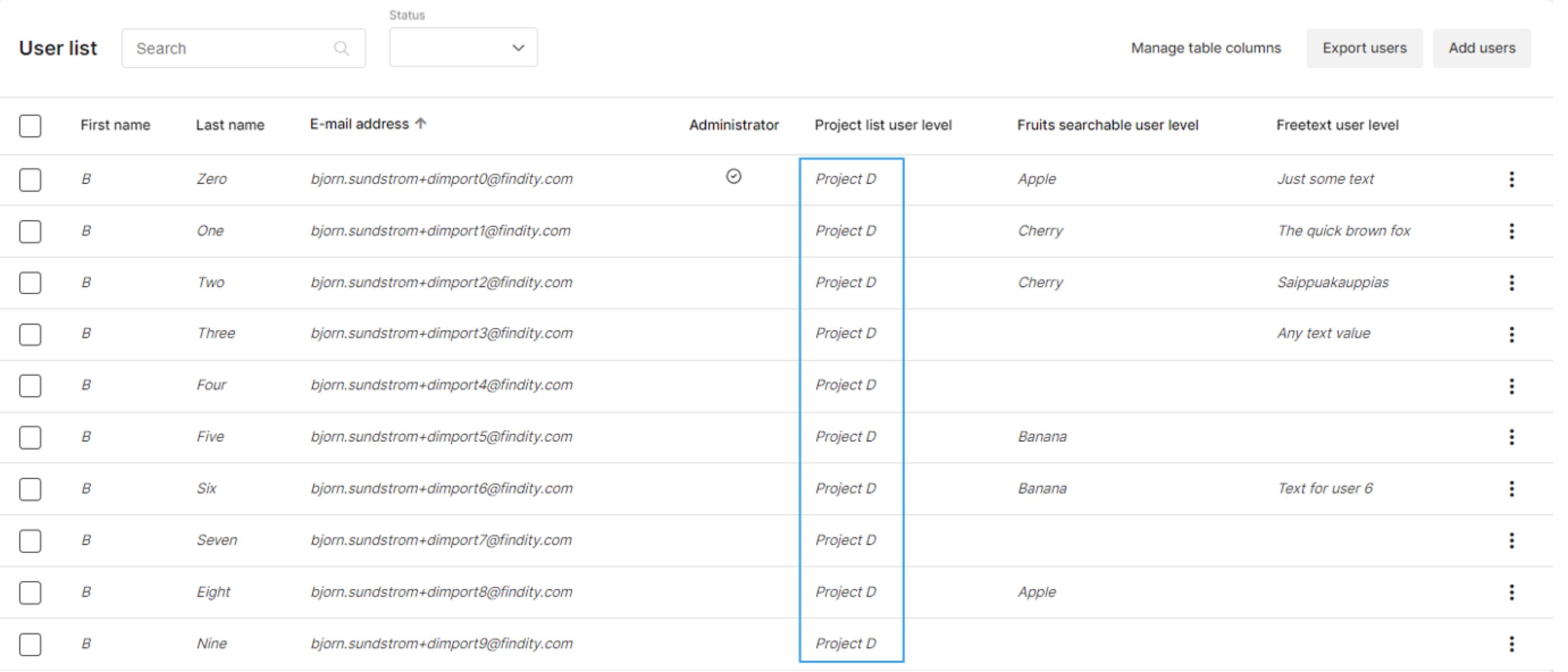
Here’s a newly created organisation that has no users yet. Perhaps not a common scenario, but let’s start with it anyway.Our organisation, dimensions and users.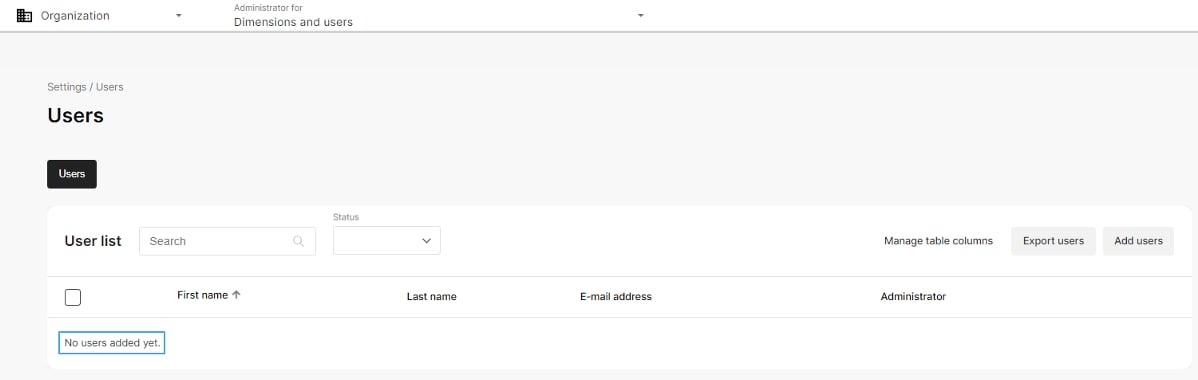
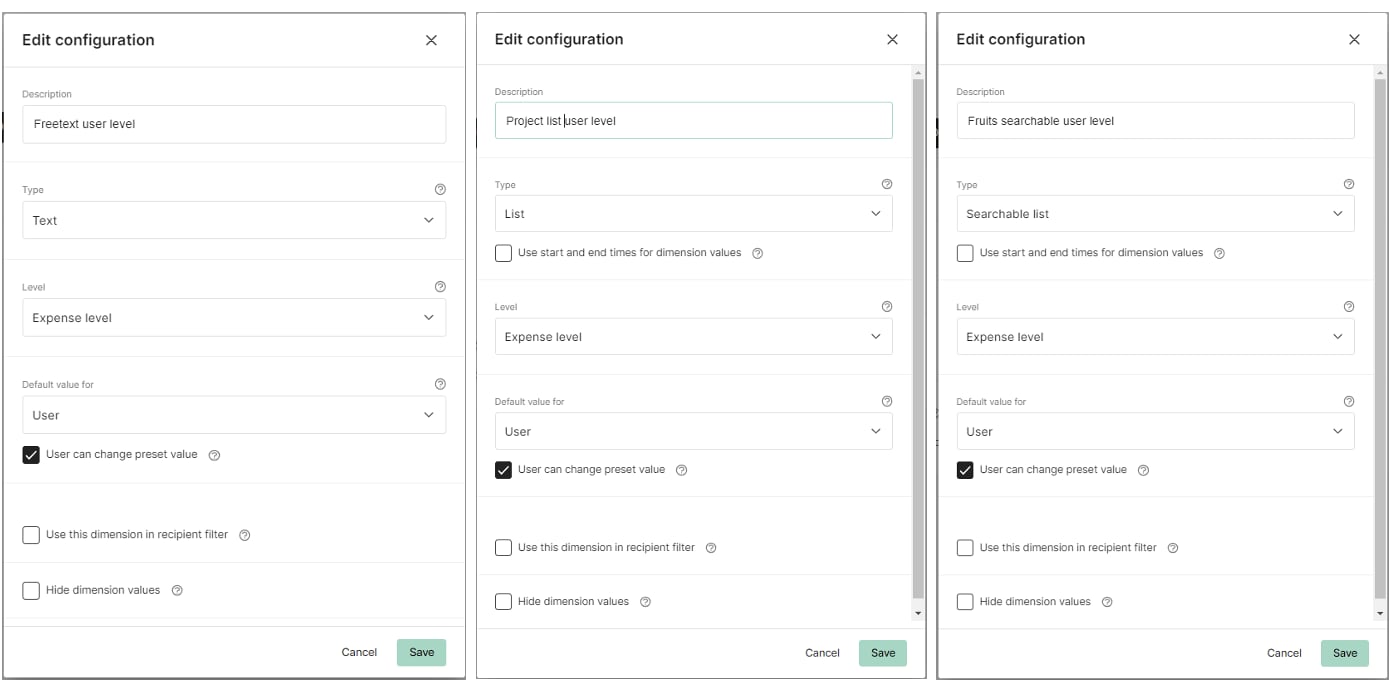
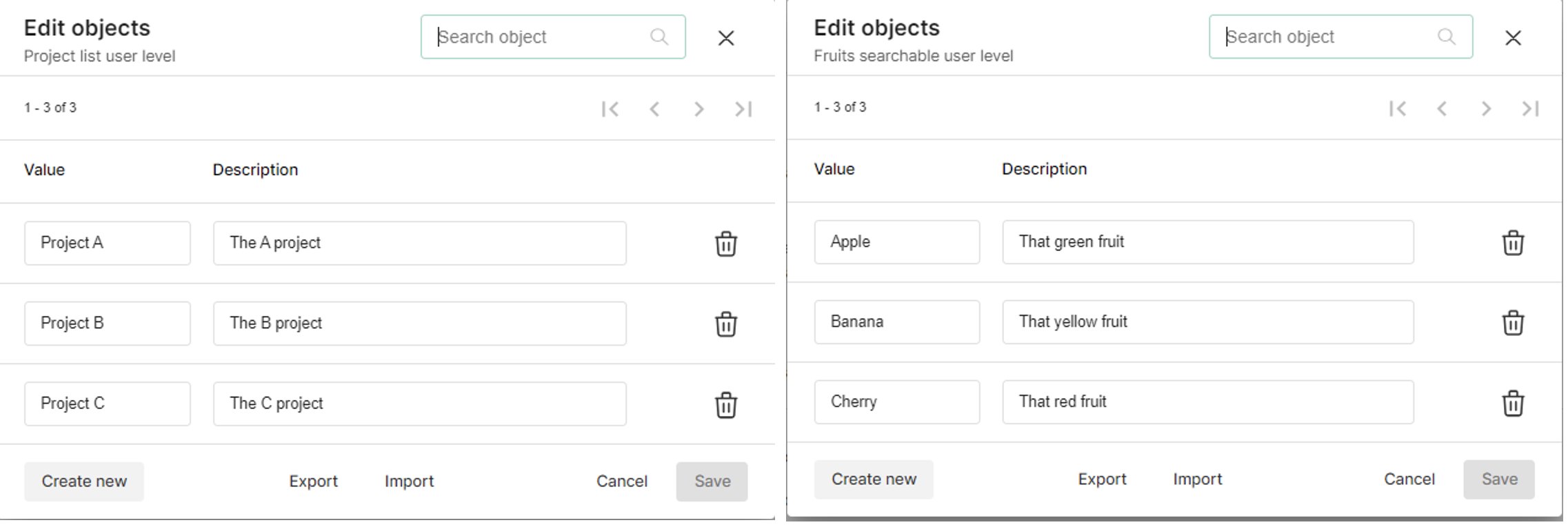
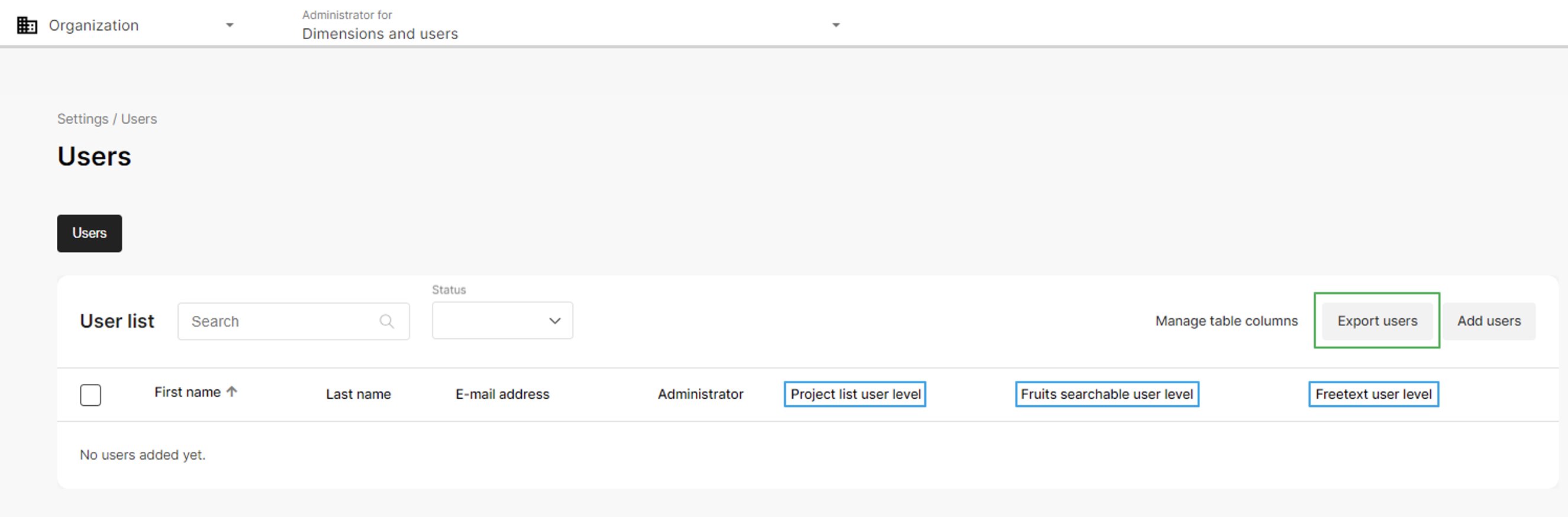
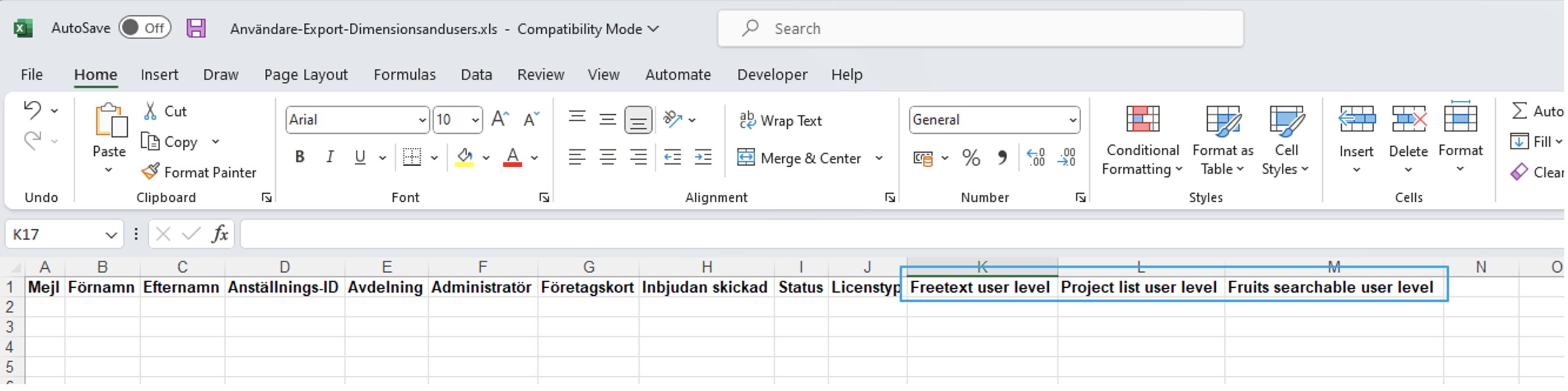
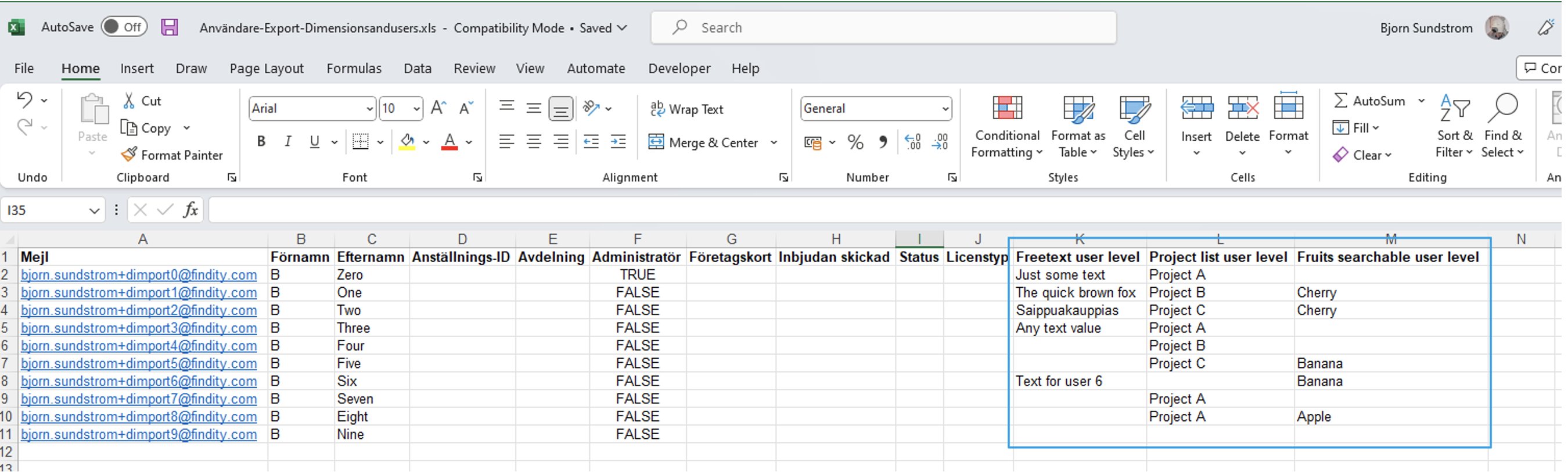
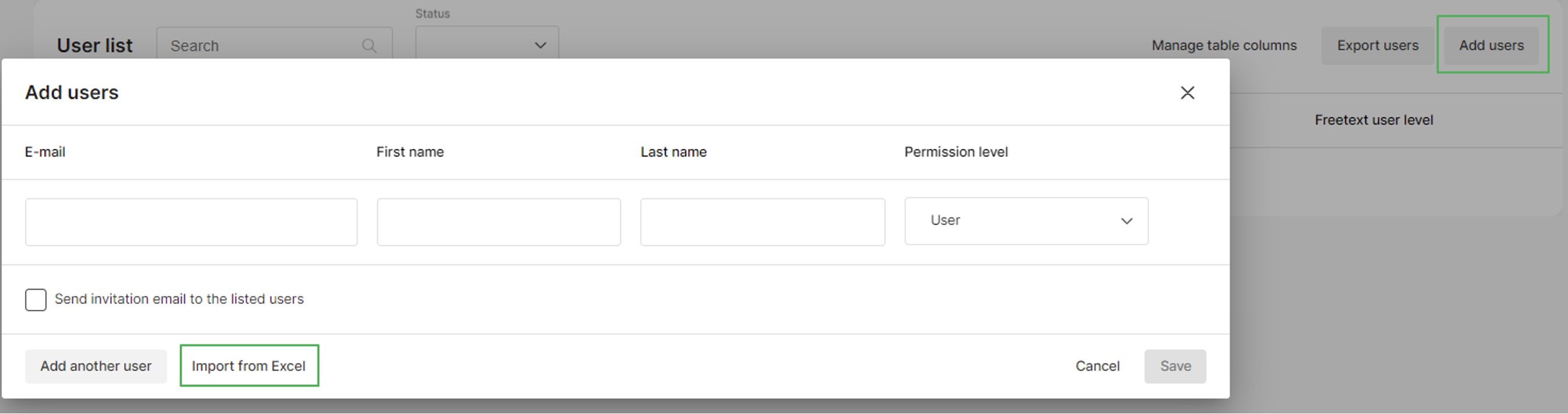
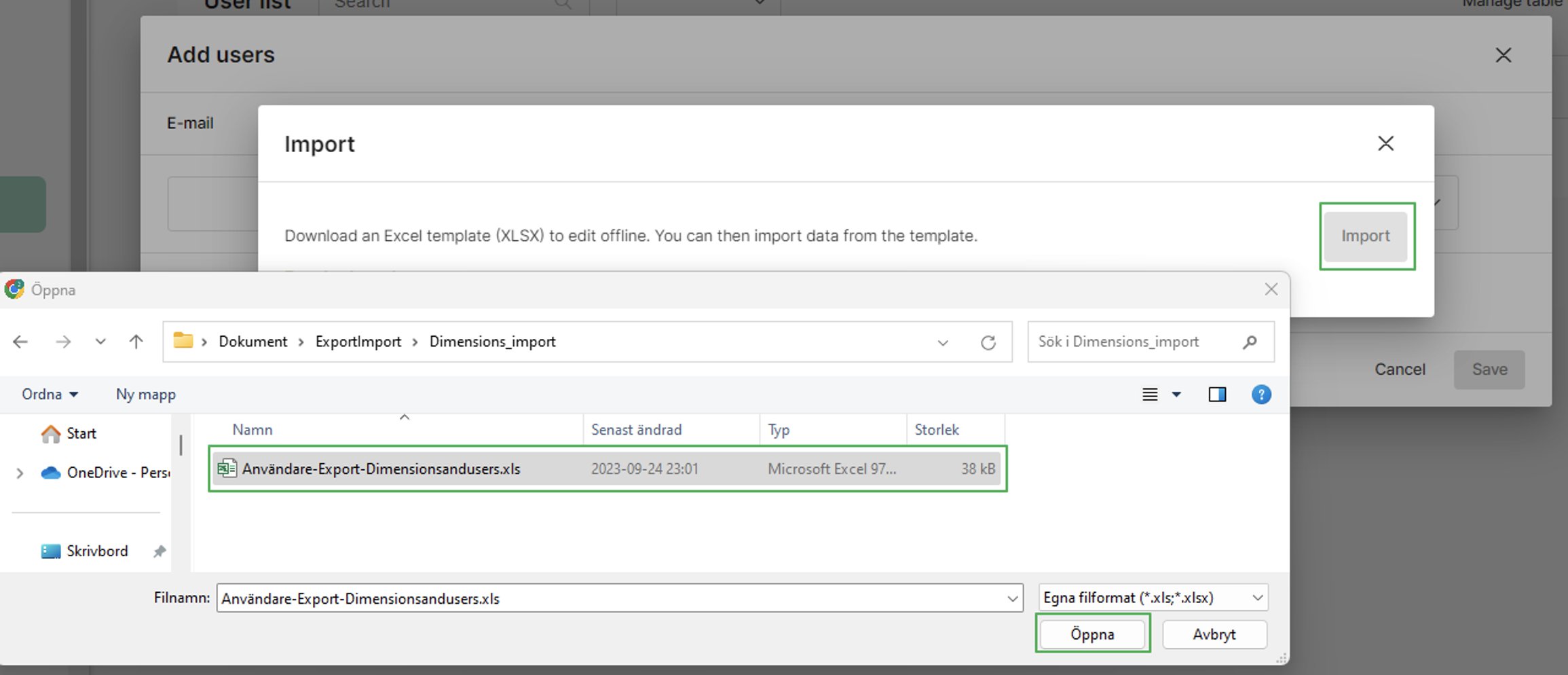
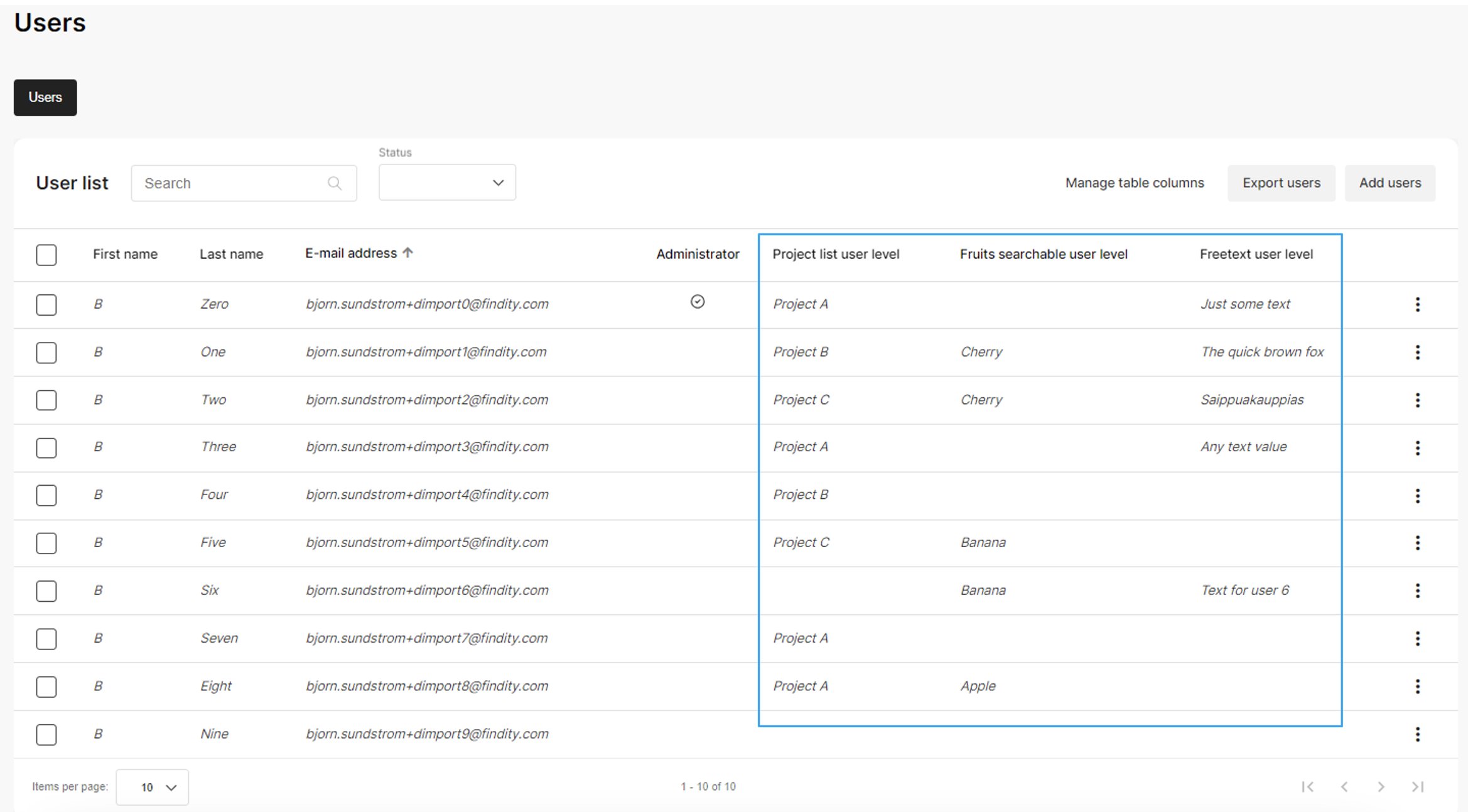
- The organisation has to have dimensions in order for dimension values to be imported.
- The dimension must use preset values on user level.
- For list and searchable dimensions, all valid values must be defined in the organisation.
- Each user must have a valid email address
- The list and searchable-list dimension values should exist in the organisation
- Empty dimension values are allowed
- Remember to save the file before importing it


Related articles
- How do I add one-day assignments for per diem?
- We want to have approval according to cost centers or department structure that is preset on the user. How do we do this set up step by step?
- How do I make changes in the organisation structure?
- What settings do we need to update on organisation level prior to a new year?