This applies to the following countries
- All countries
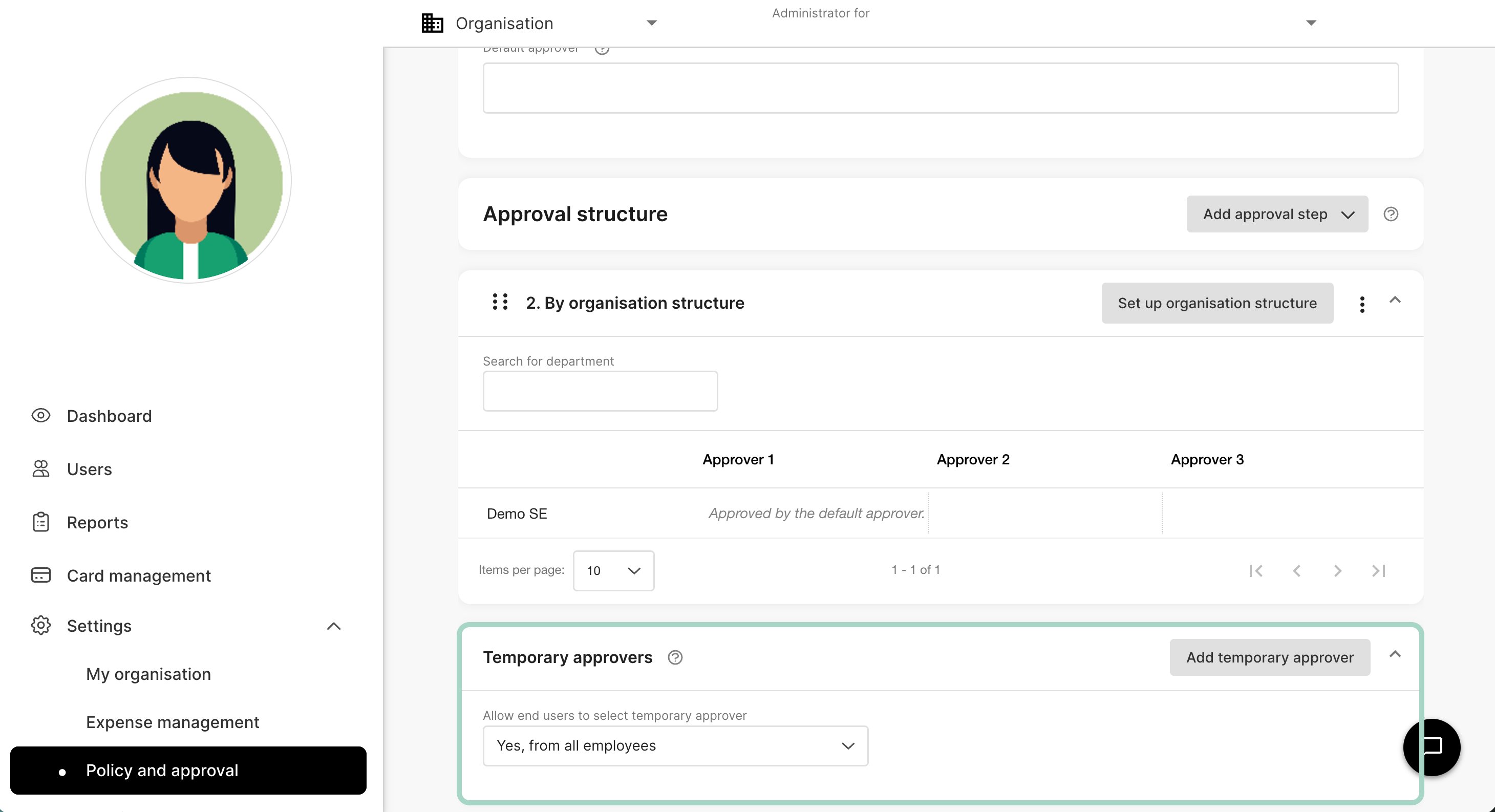

- By an approver
- By an administrator
For this option to work, settings need to be either Only from approvers with same or higher approval limit or Yes, from all employees.
-
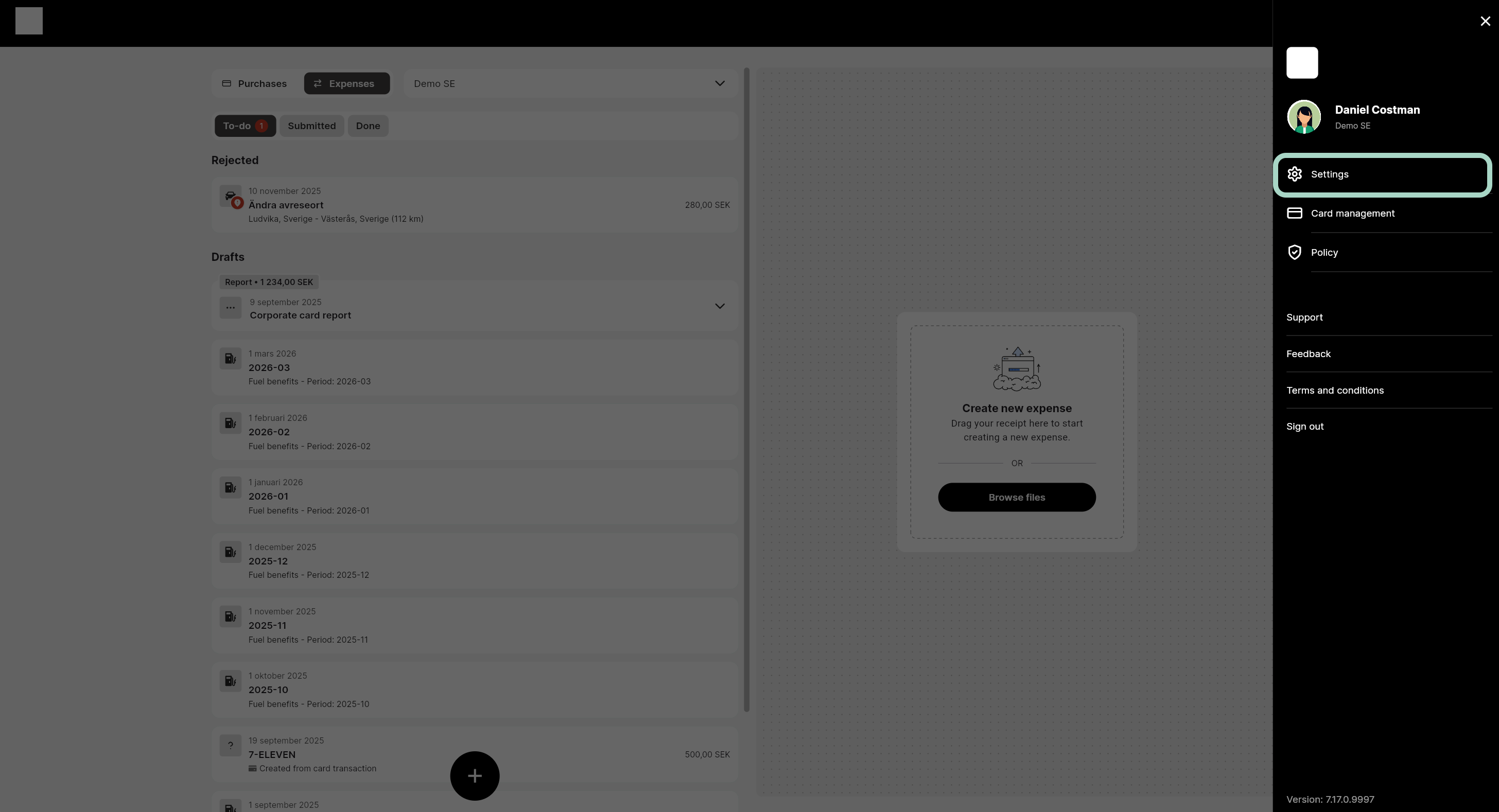
Go to Settings on your profile.
-
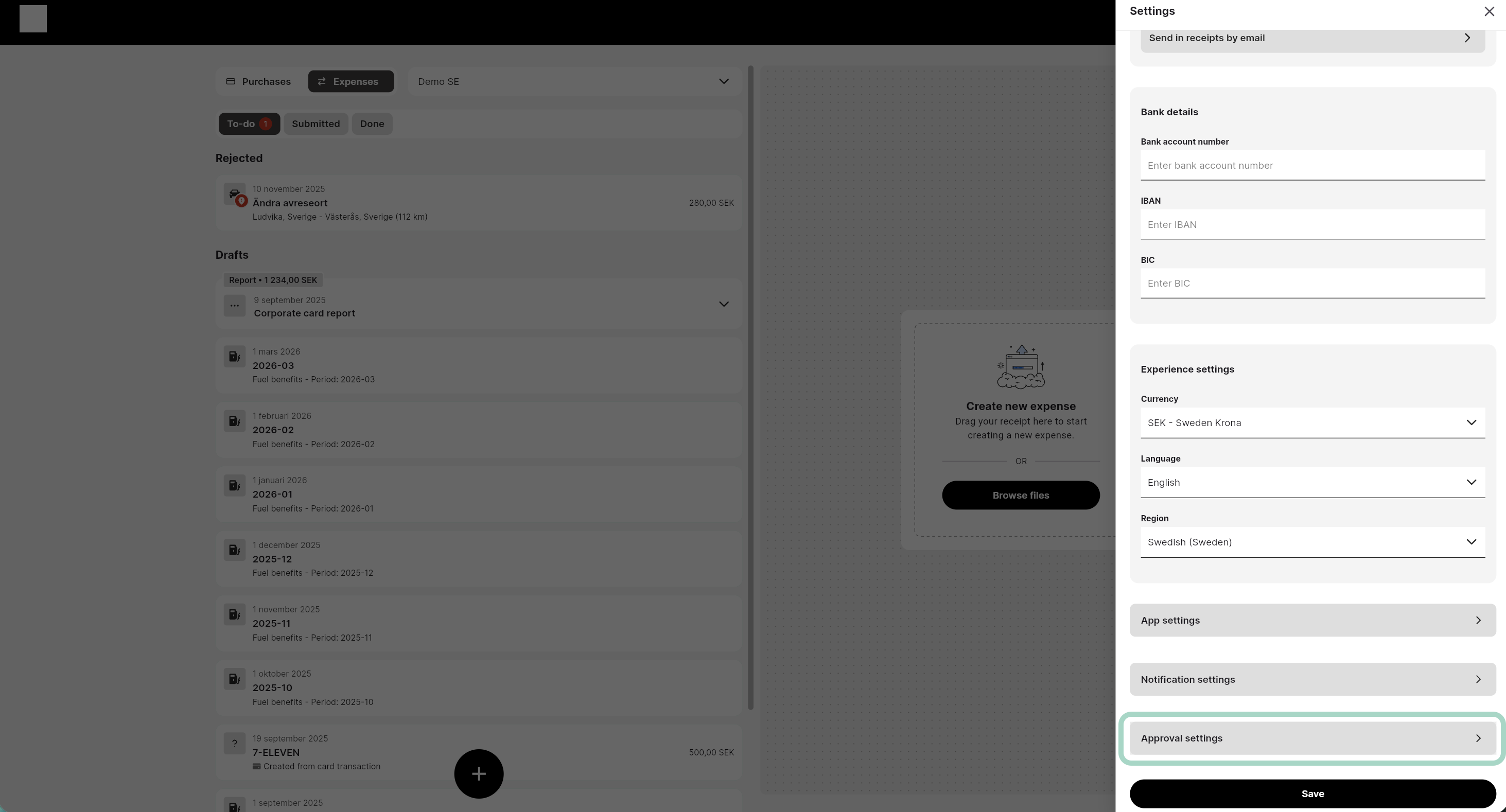
Click on approval settings.
-
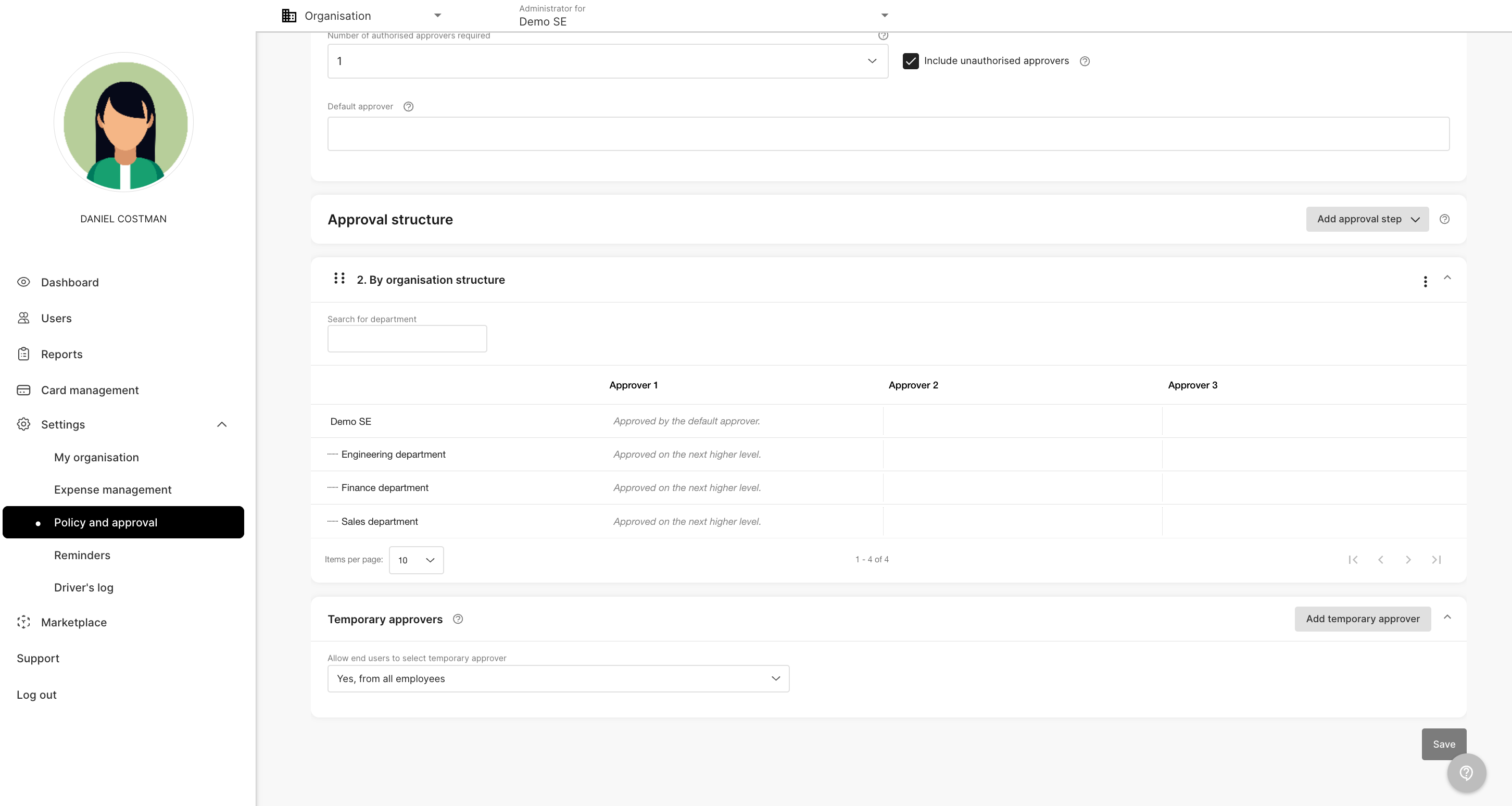
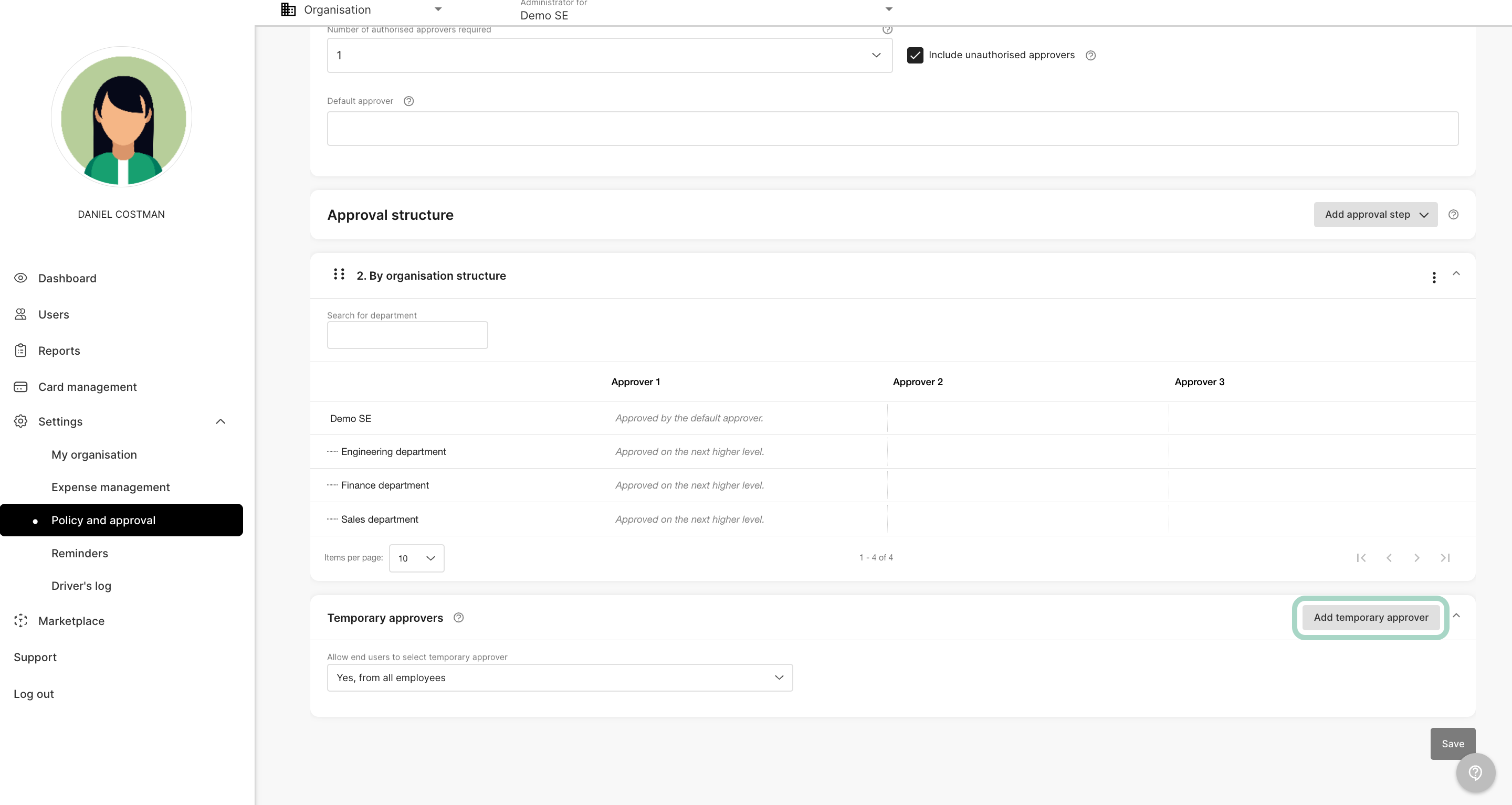
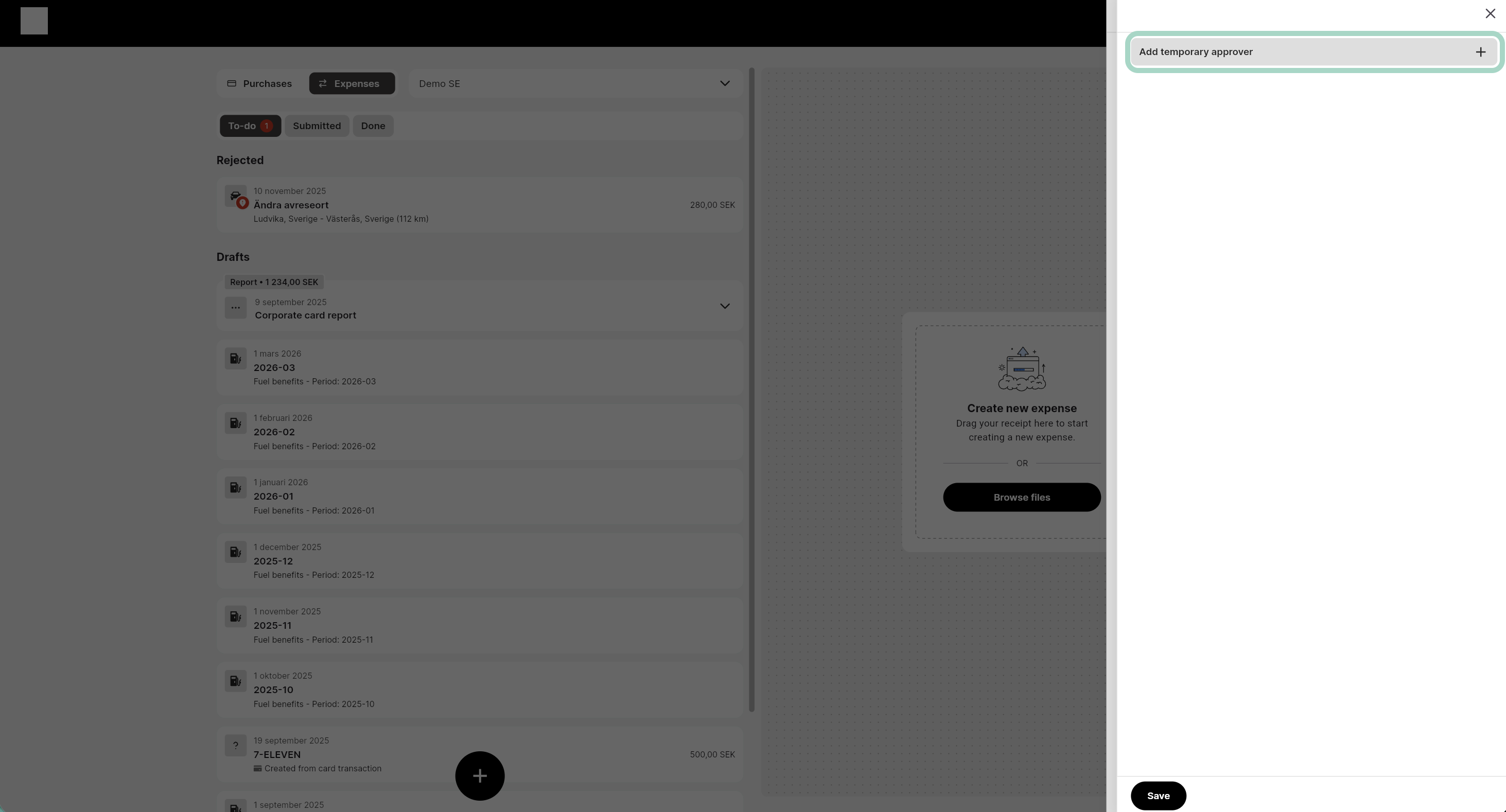
Click Add temporary approver.
-
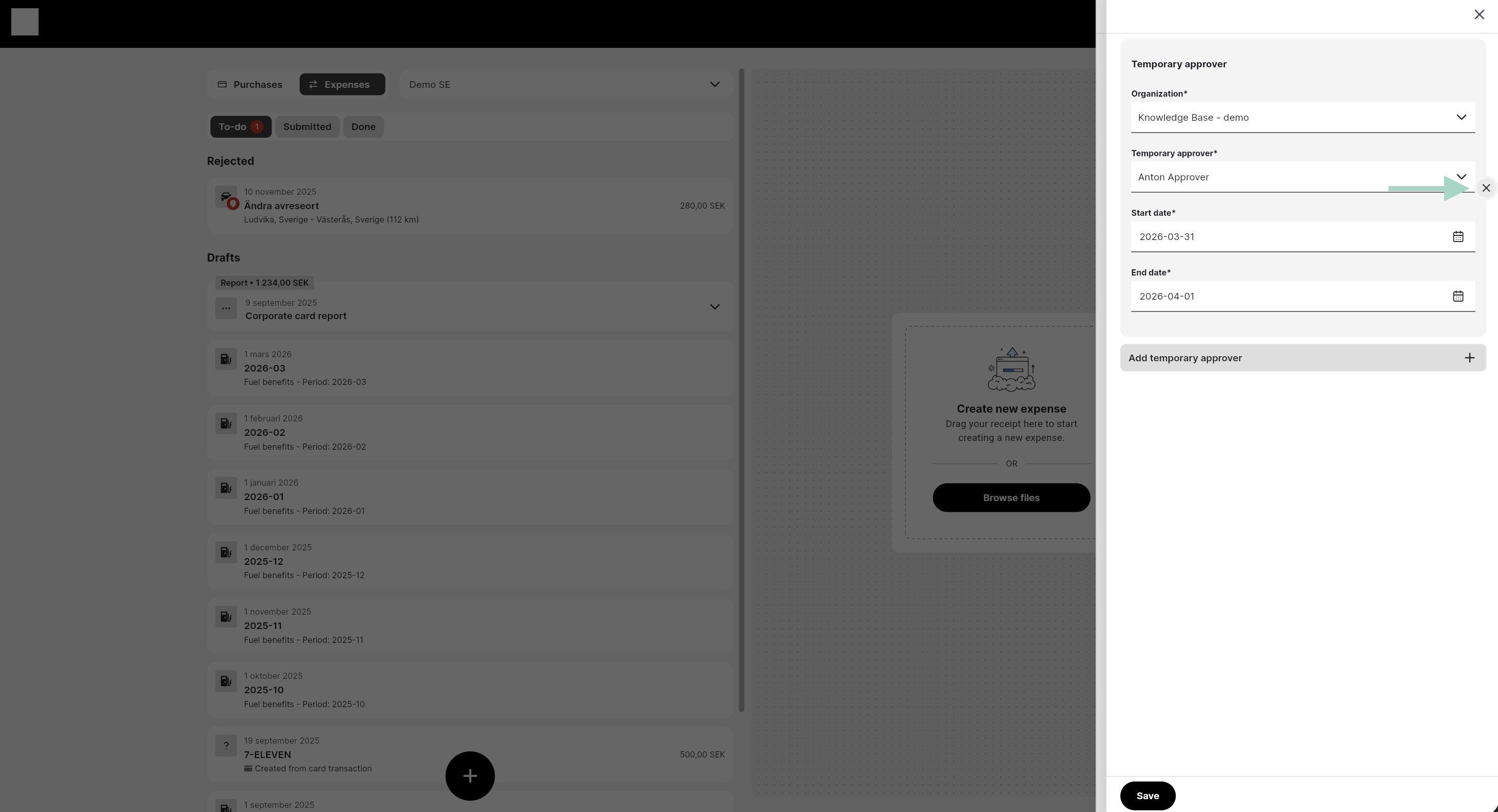
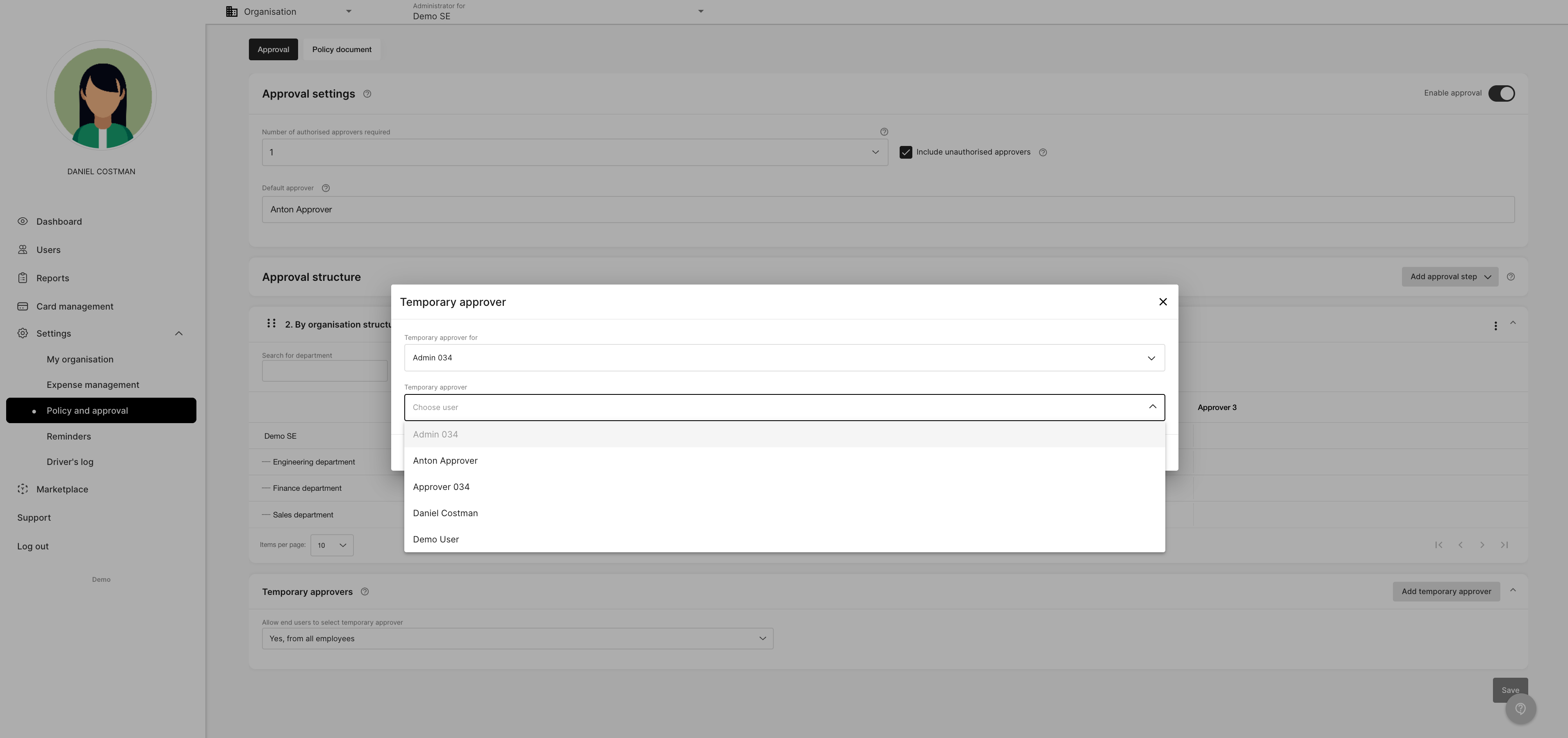
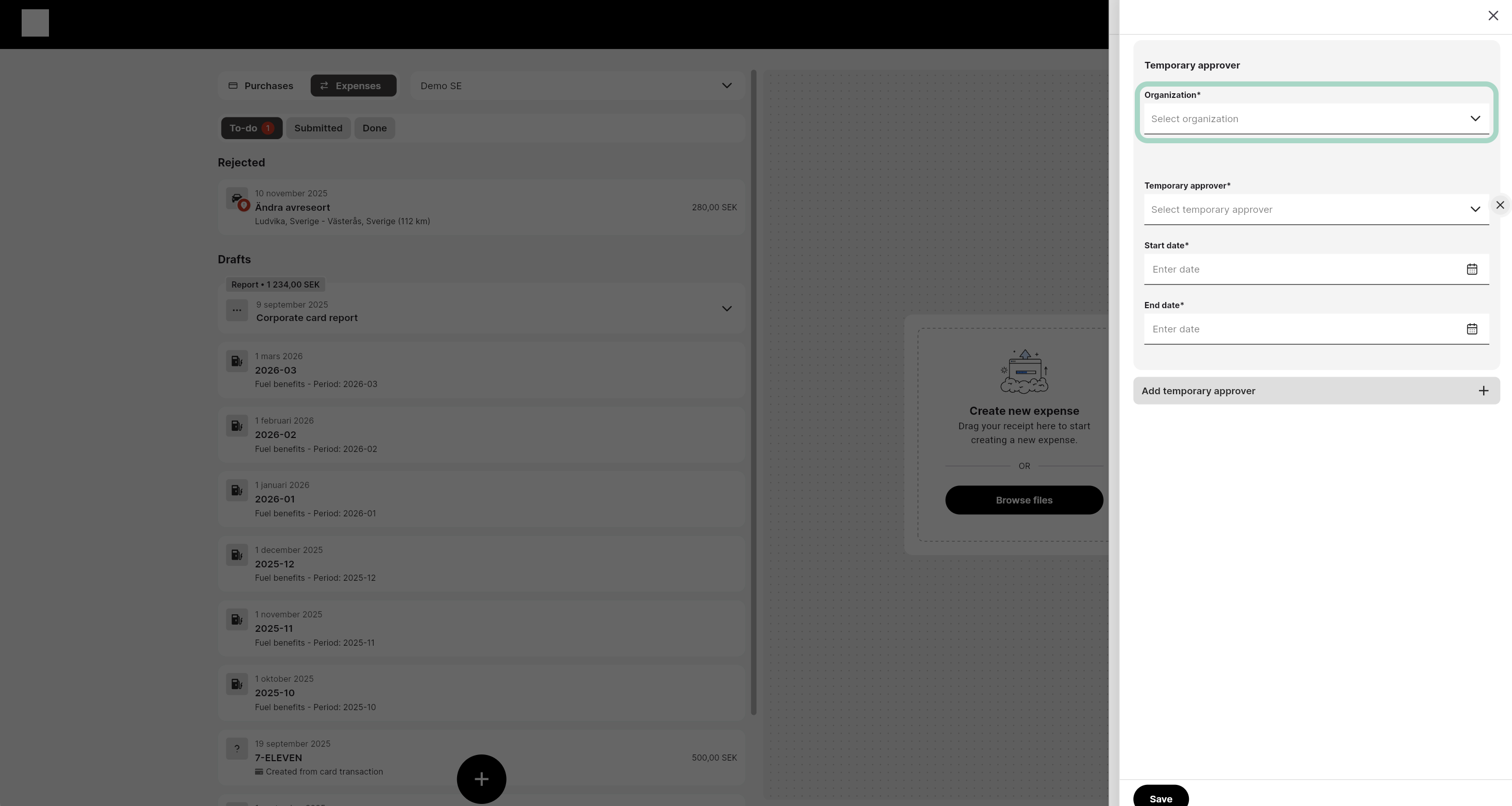
Under Organisation is a list of the organisations you are approver for. Most approvers only have one choice. Choose the one you want to set a temporary approver for.
-
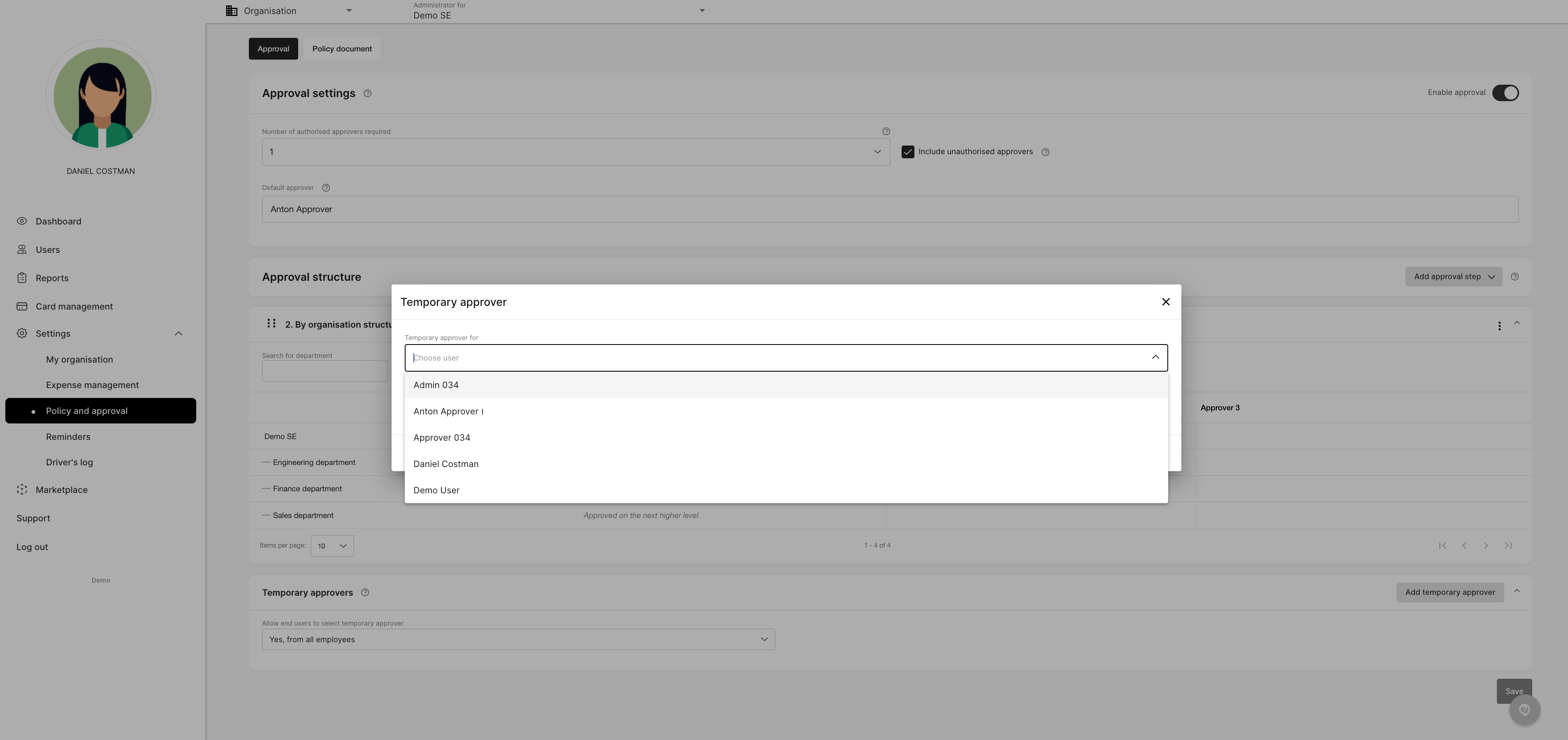
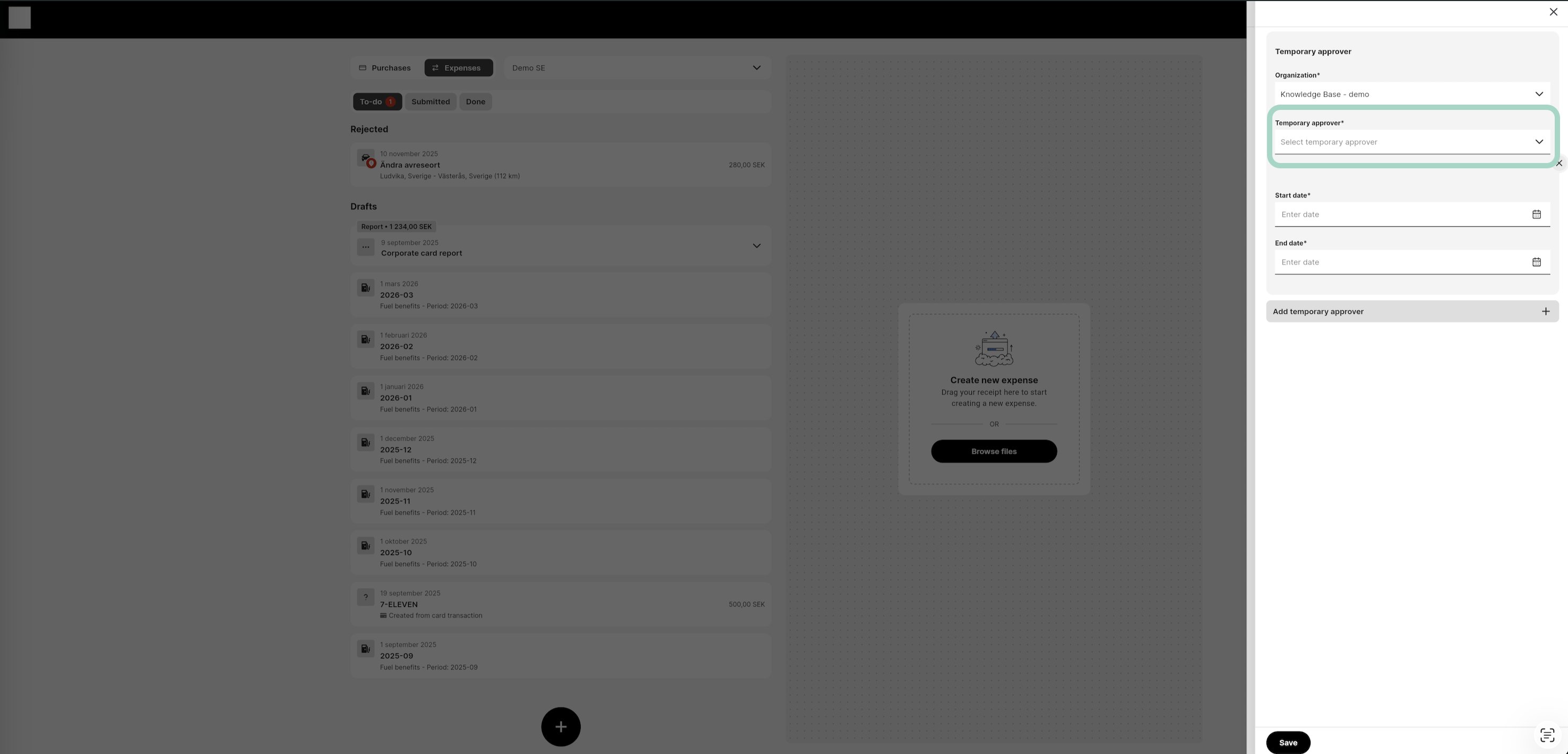
Next step is to choose who will be the temporary approver. Click Temporary approver and a list of all available users appears. It is also possible to search for a specific user.
-
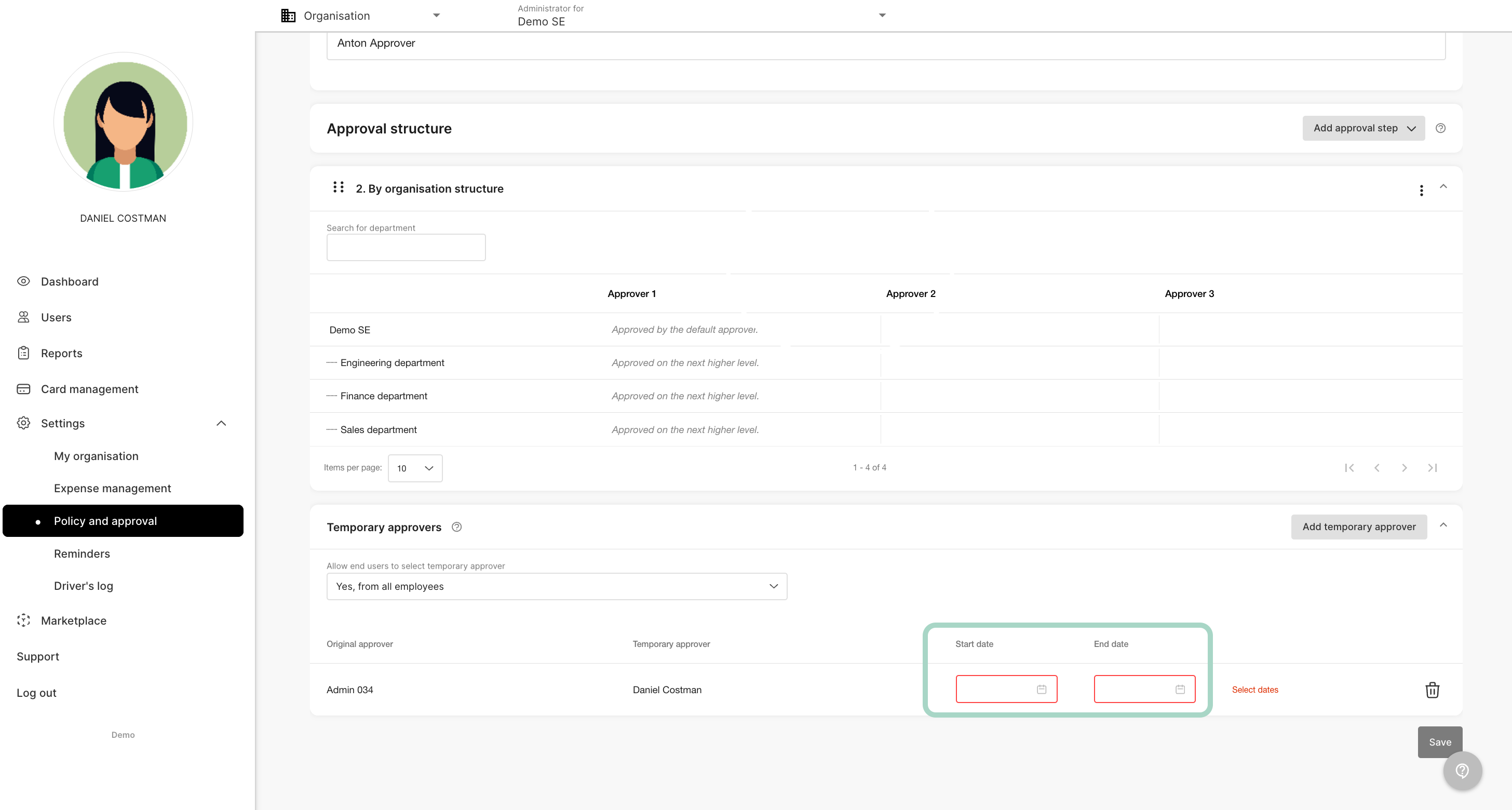
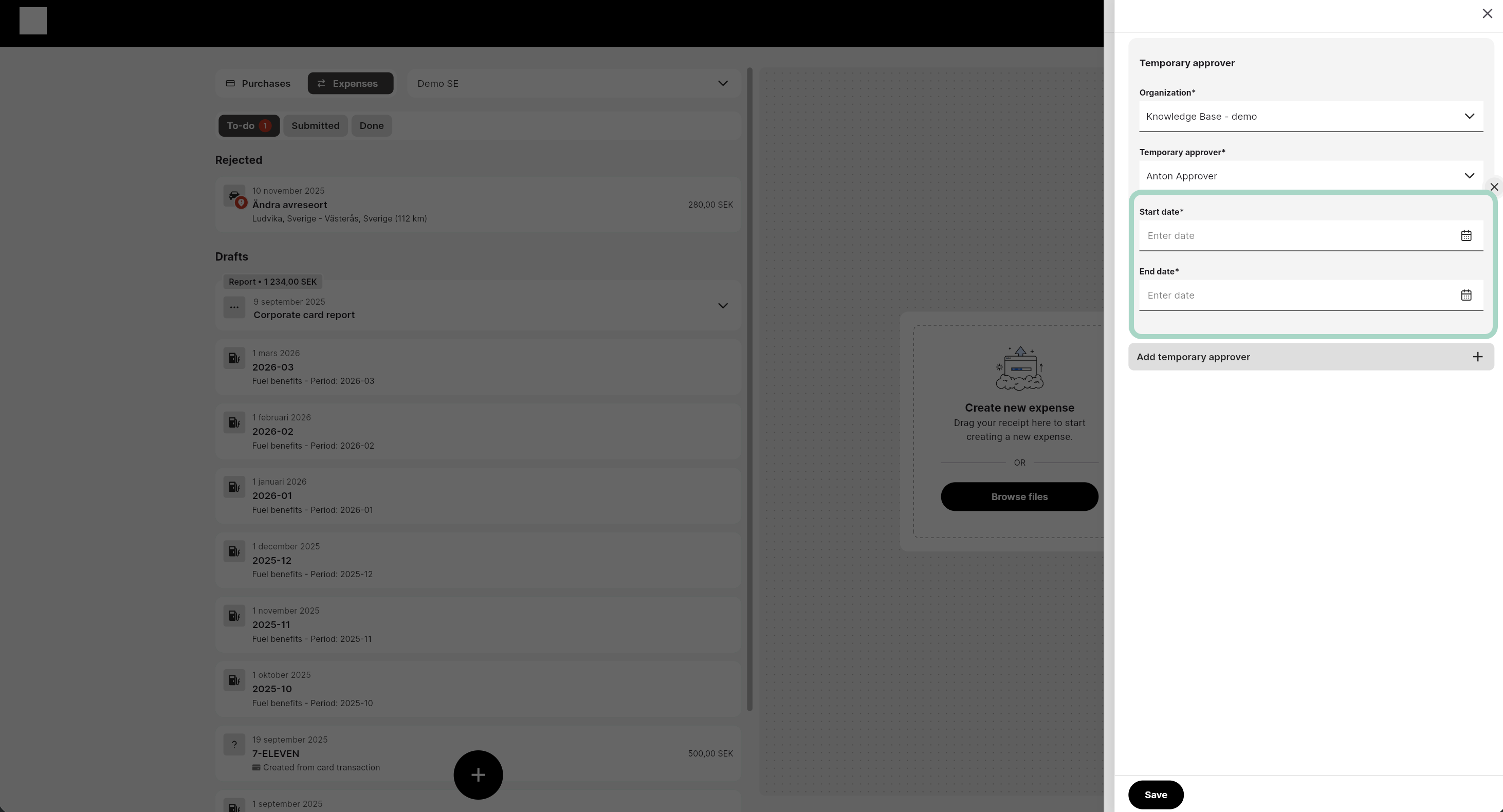
Last step is to add date interval for the temporary user. Don’t forget to save
-
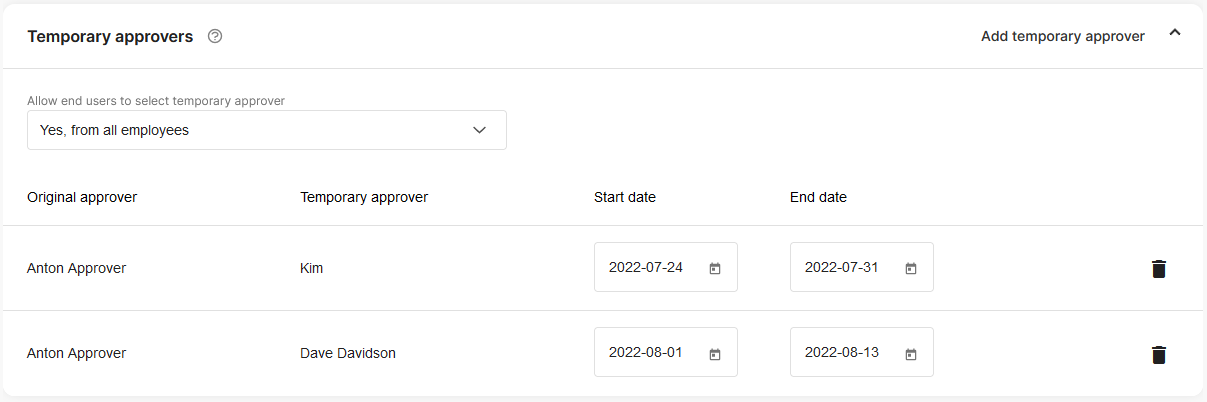
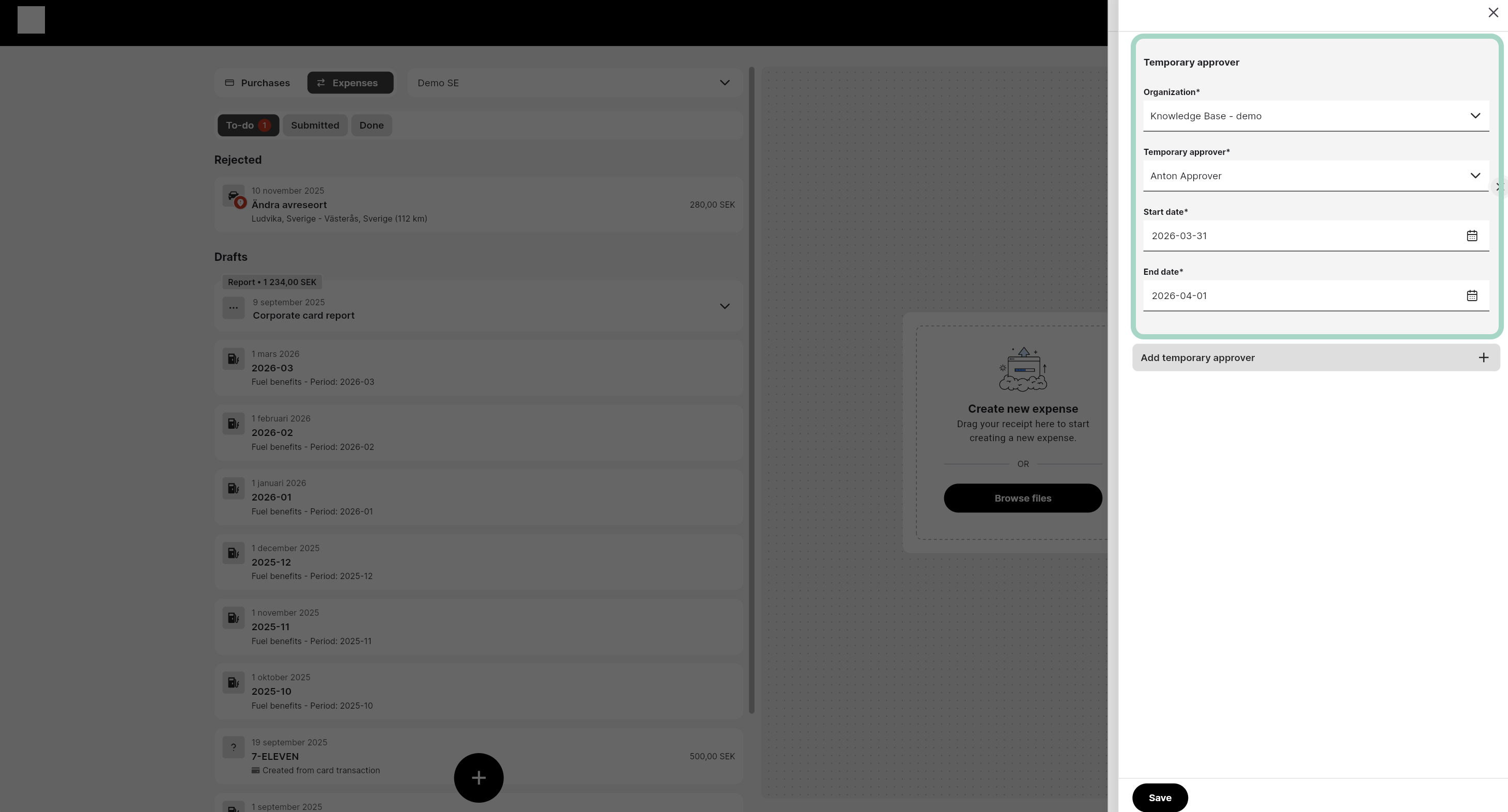
Now you can see a list of the temporary user and between which dates they are valid.
-
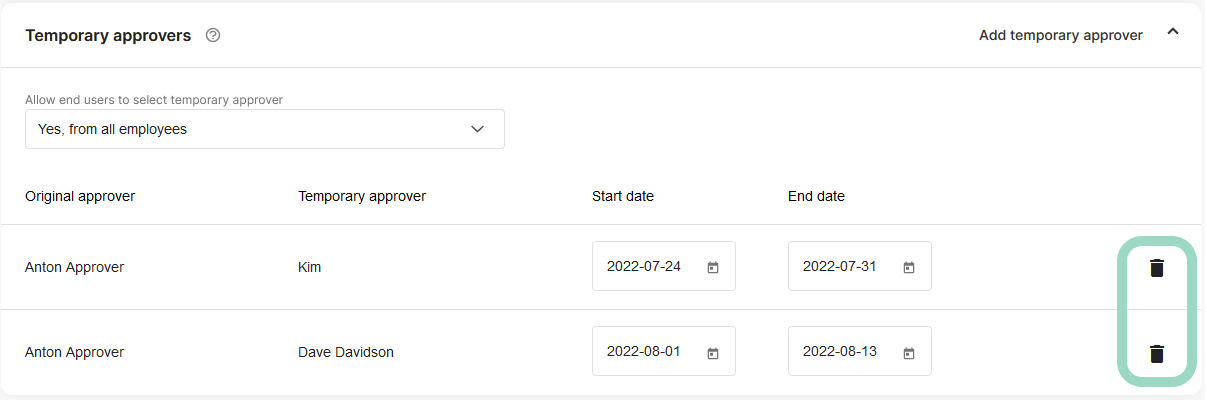
If you want to remove a temporary user just click the cross button to the right.