This applies to the following countries
- All countries
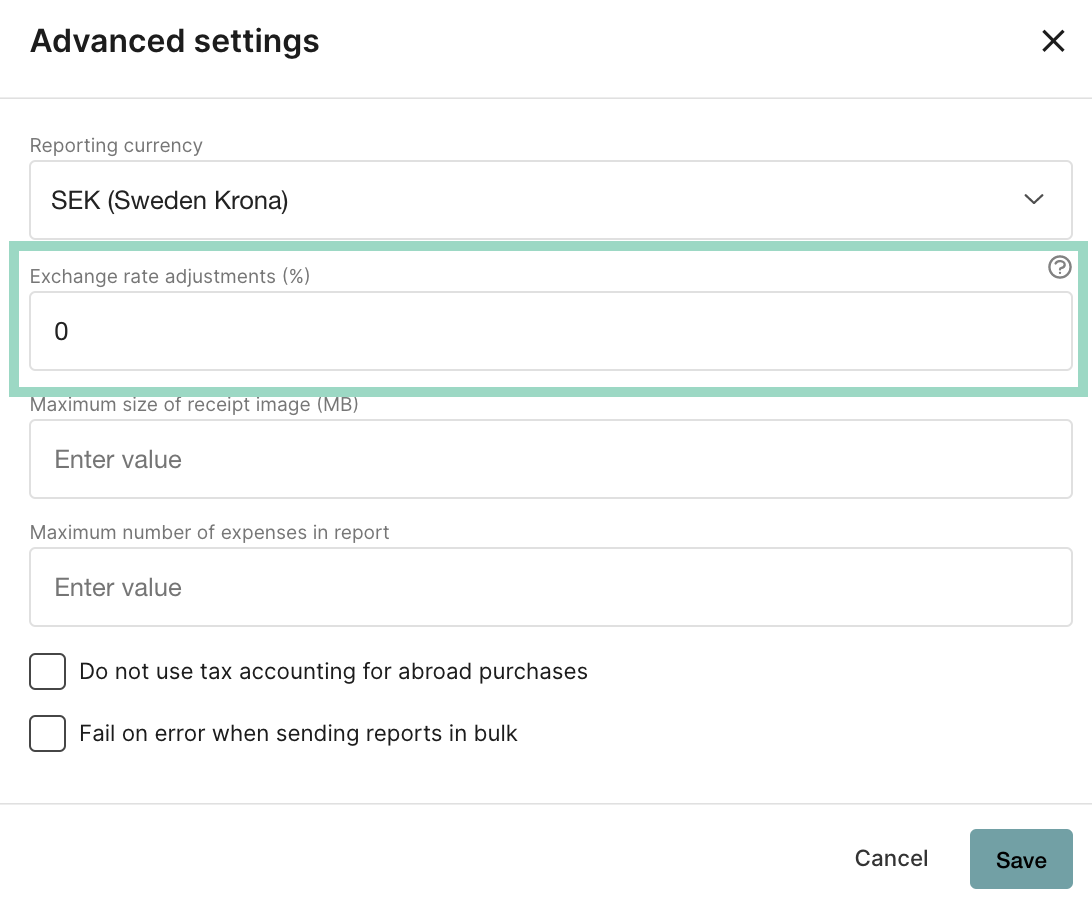
Exchange rate adjustments (%)
We collect the currencies from https://openexchangerates.org/ and we take the currency for the day the purchase is made. If you want the rate to always be a certain percentage higher or lower, there is a setting you can add: Go to the tab Settings - Expense management - Report flow - Advanced settings - Exchange rate adjustment (%). This setting means that the percentage you add is automatically added or removed when the user creates an expense with another currency.