This article applies to the following countries
- All countries
- 1. Add dimension for cost centers
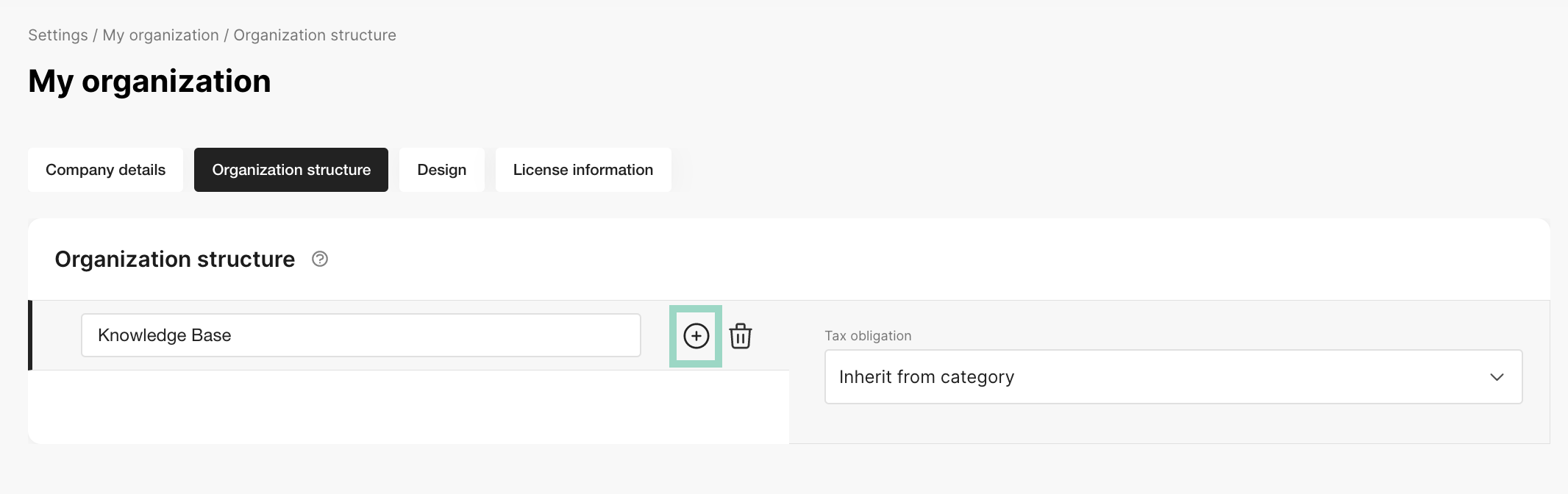
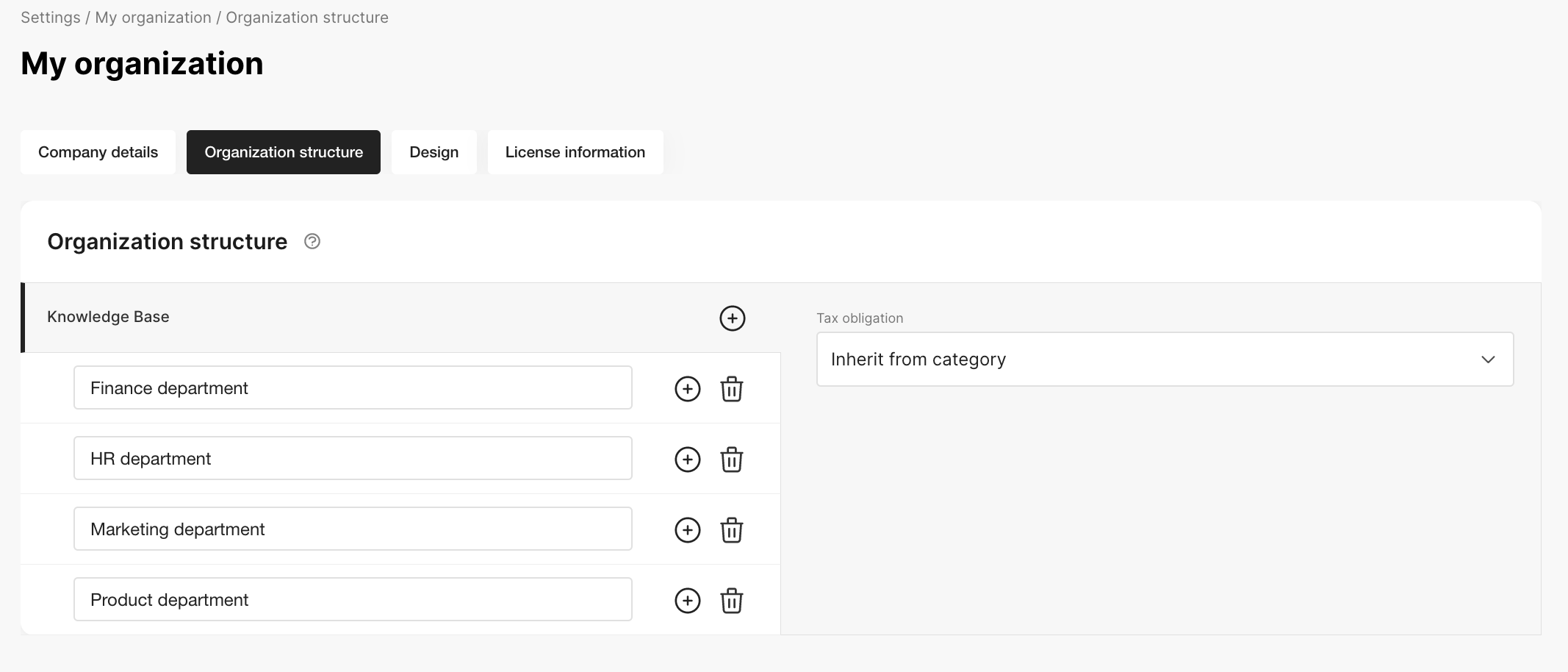
- 1. Add organisation structure for departments
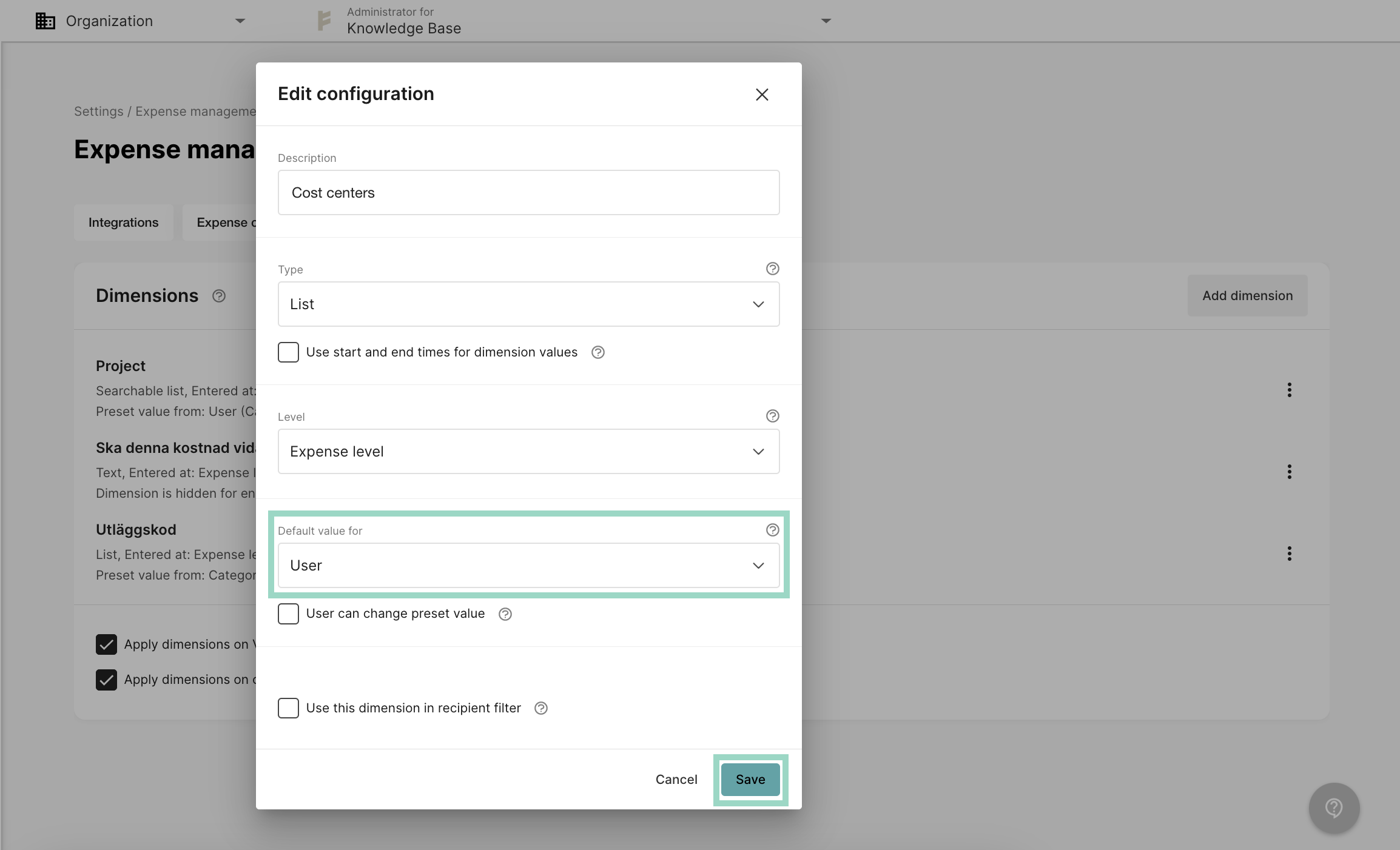
Go to Settings - Expense management - Dimensions. Click on Add dimension.Choose the settings according to your preferences and choose Default value for - User. Save the settings.
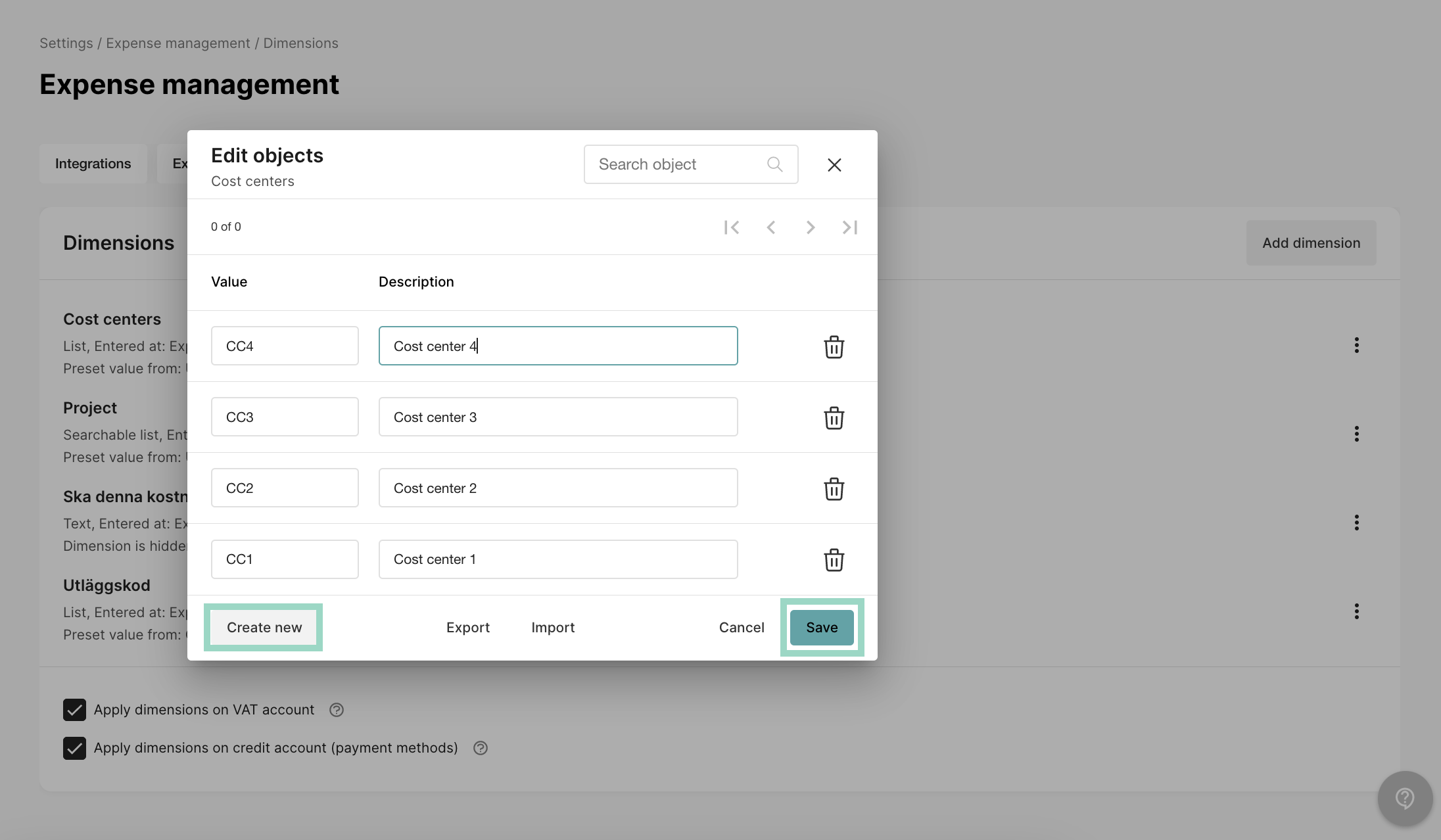
Now it’s time to add the values to the cost center dimension. Click on “the three dots” to the right of your newly added dimension and choose Edit values.In the new pop-up window, click on Create newand create as many cost centers as you would like. Just clickCreate new again, to add another value. Save the settings when you’re done.


- 2. Preset dimension (cost centers) on users
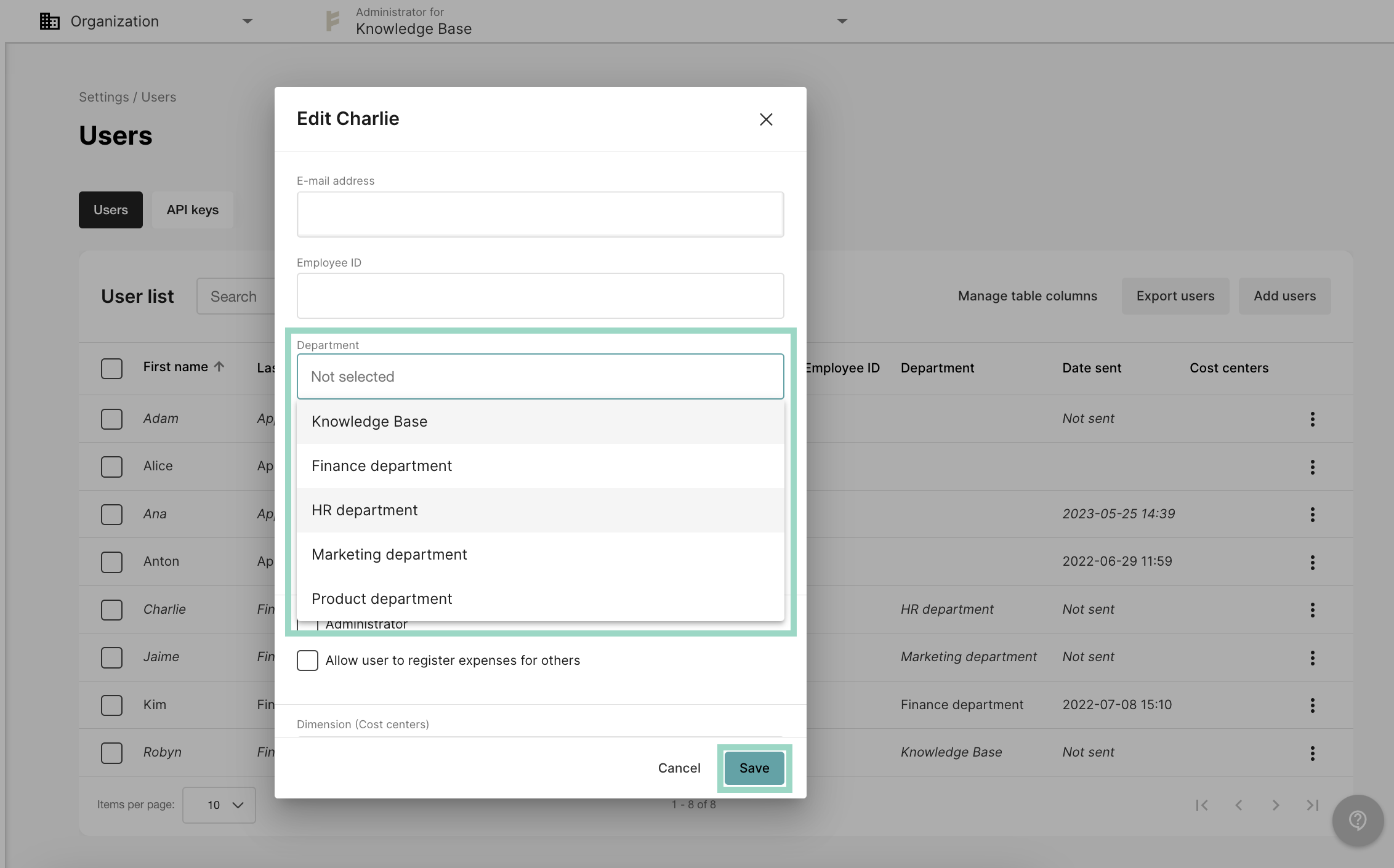
- 2. Preset department on users
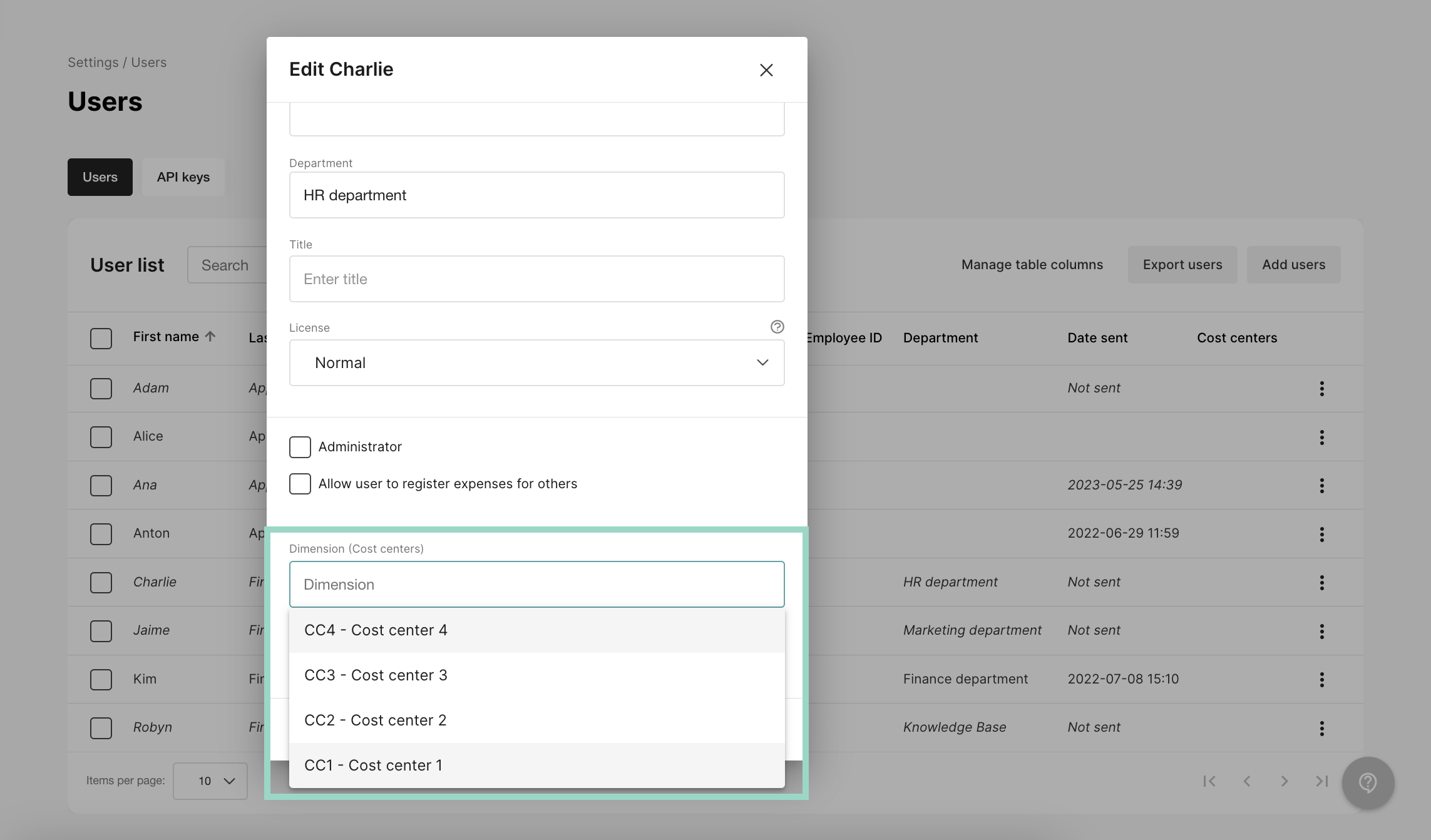
Go to Users and click on the user(s) that you want to add a cost center to.Add the cost center that should be used for the employee and remember that this is not who should approve on the cost center (that is added later in Step 3). This is which cost center that the employee belongs to.Save settings when you’re done.
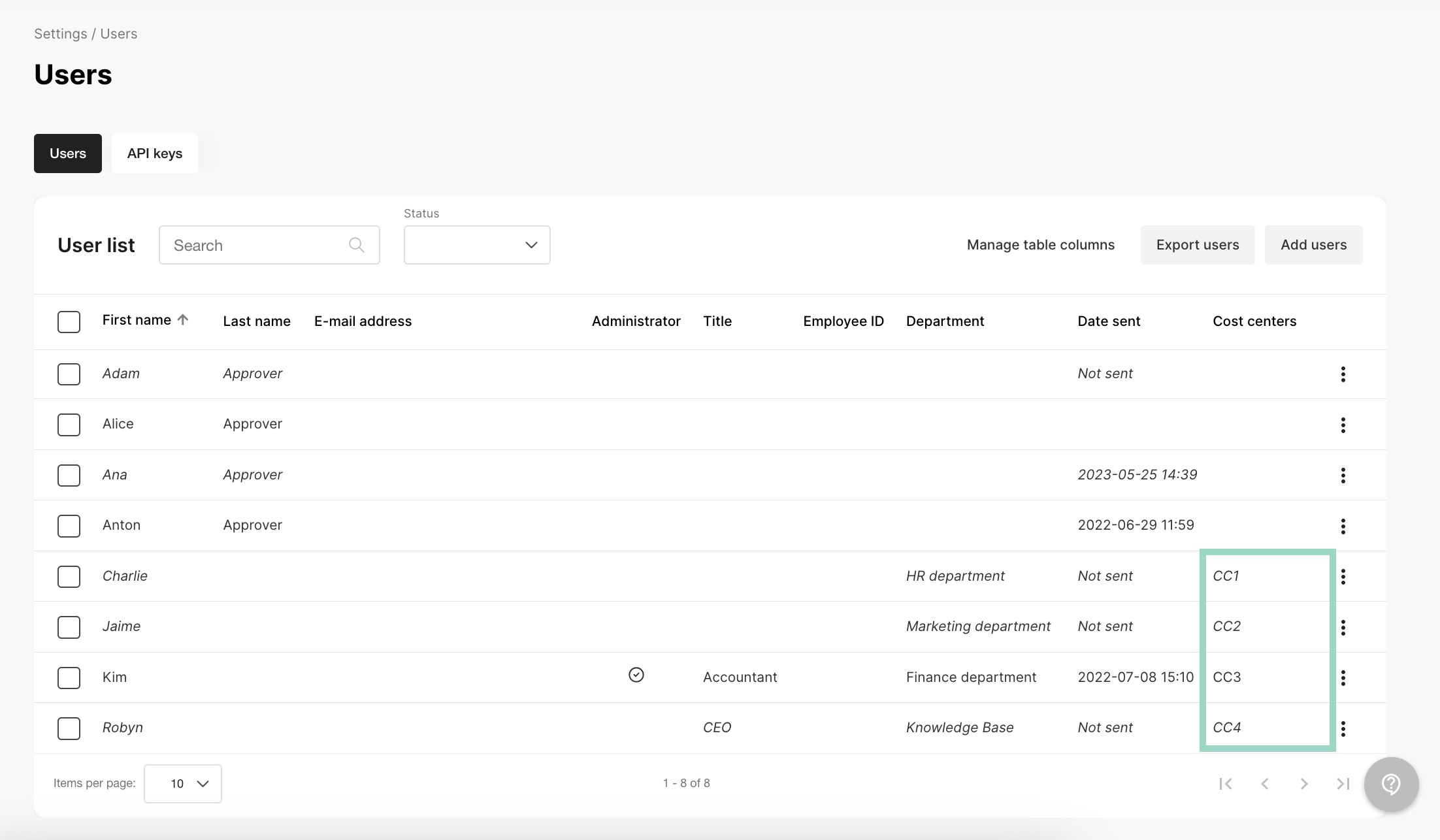
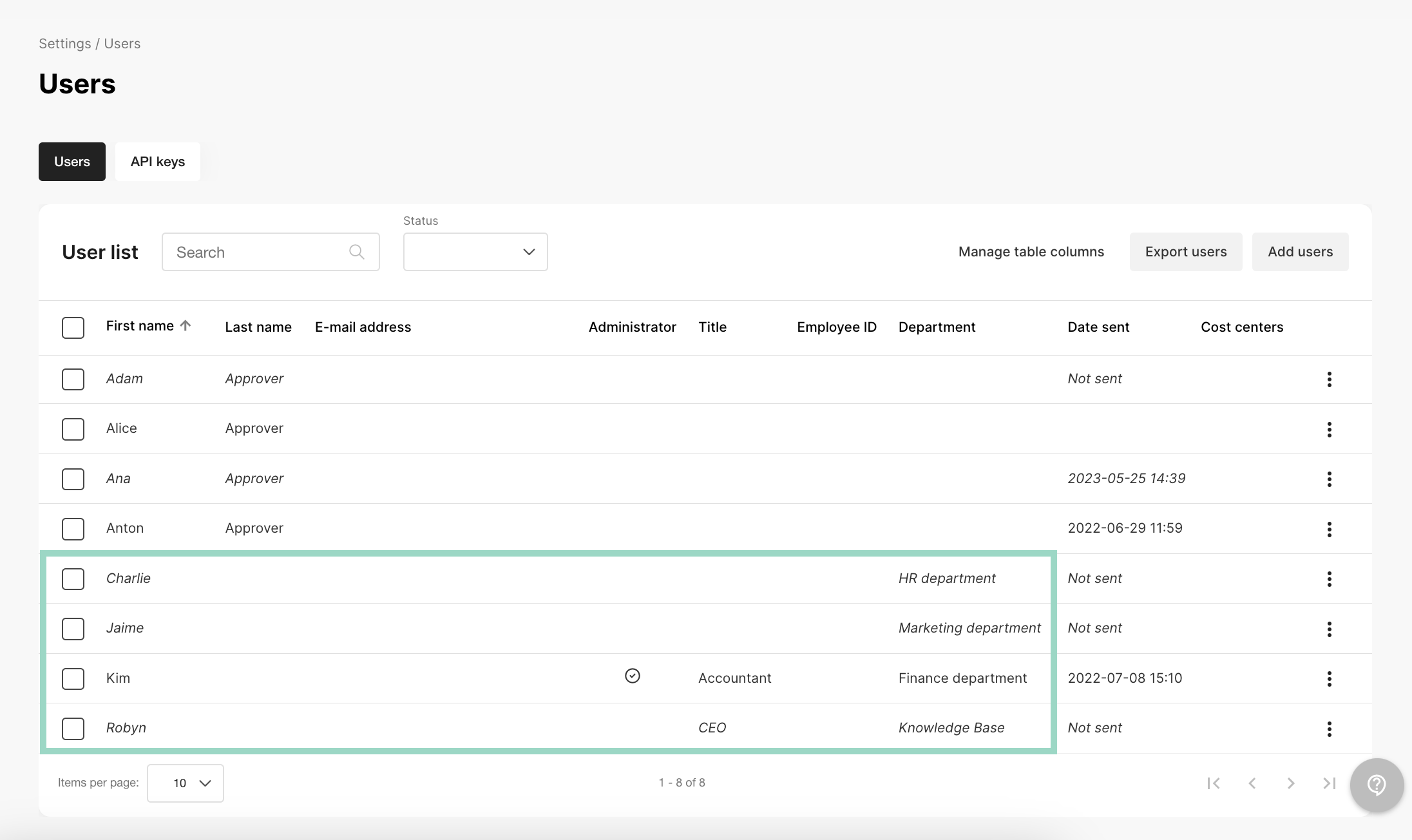
In the example below, we have added 4 different cost centers to the employees/users.


- 3. Add approvers to dimension (cost centers)
- 3. Add approvers to department
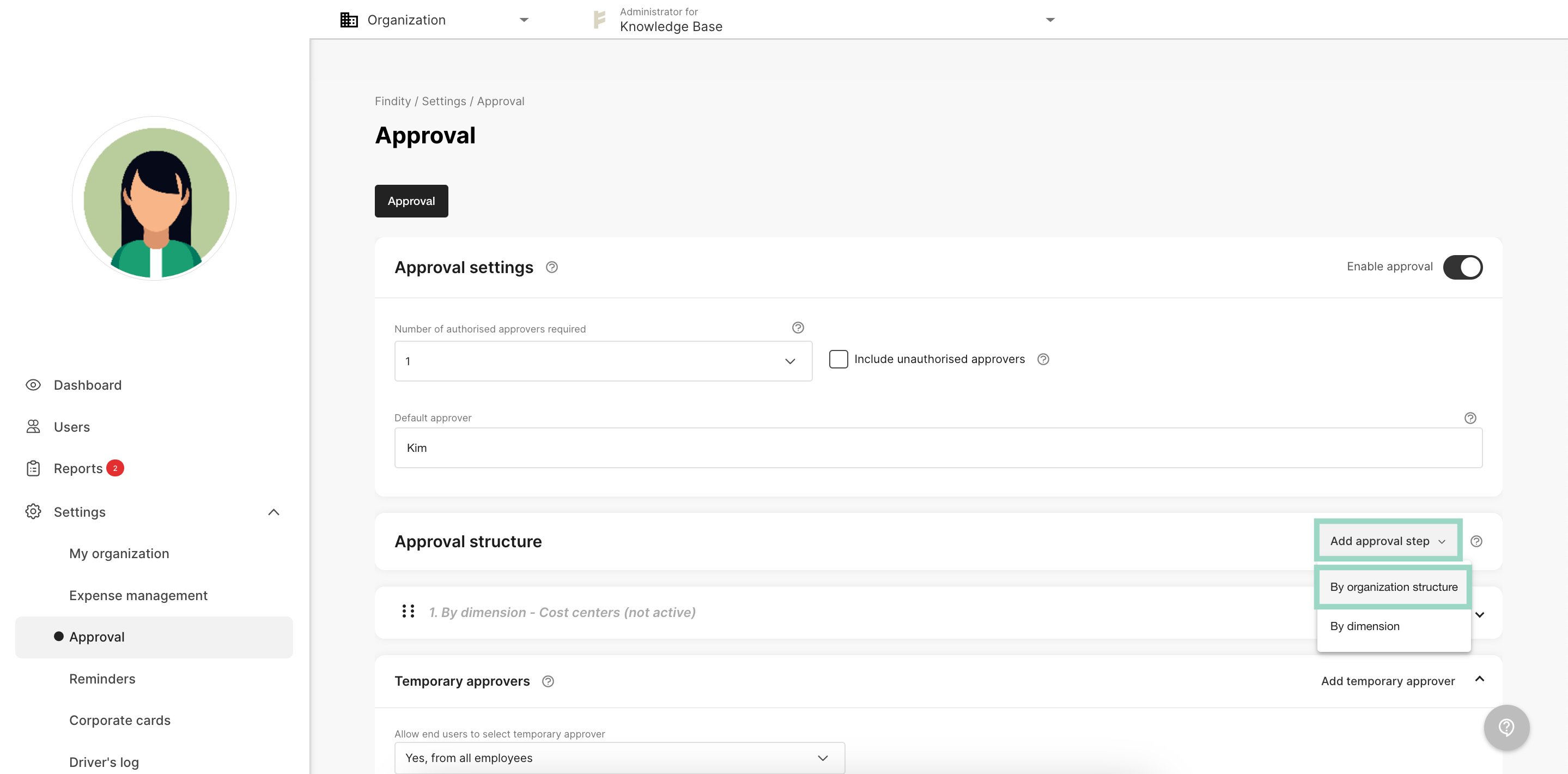
Go to Settings - Approval. Click on Add approval step and choose By dimension.
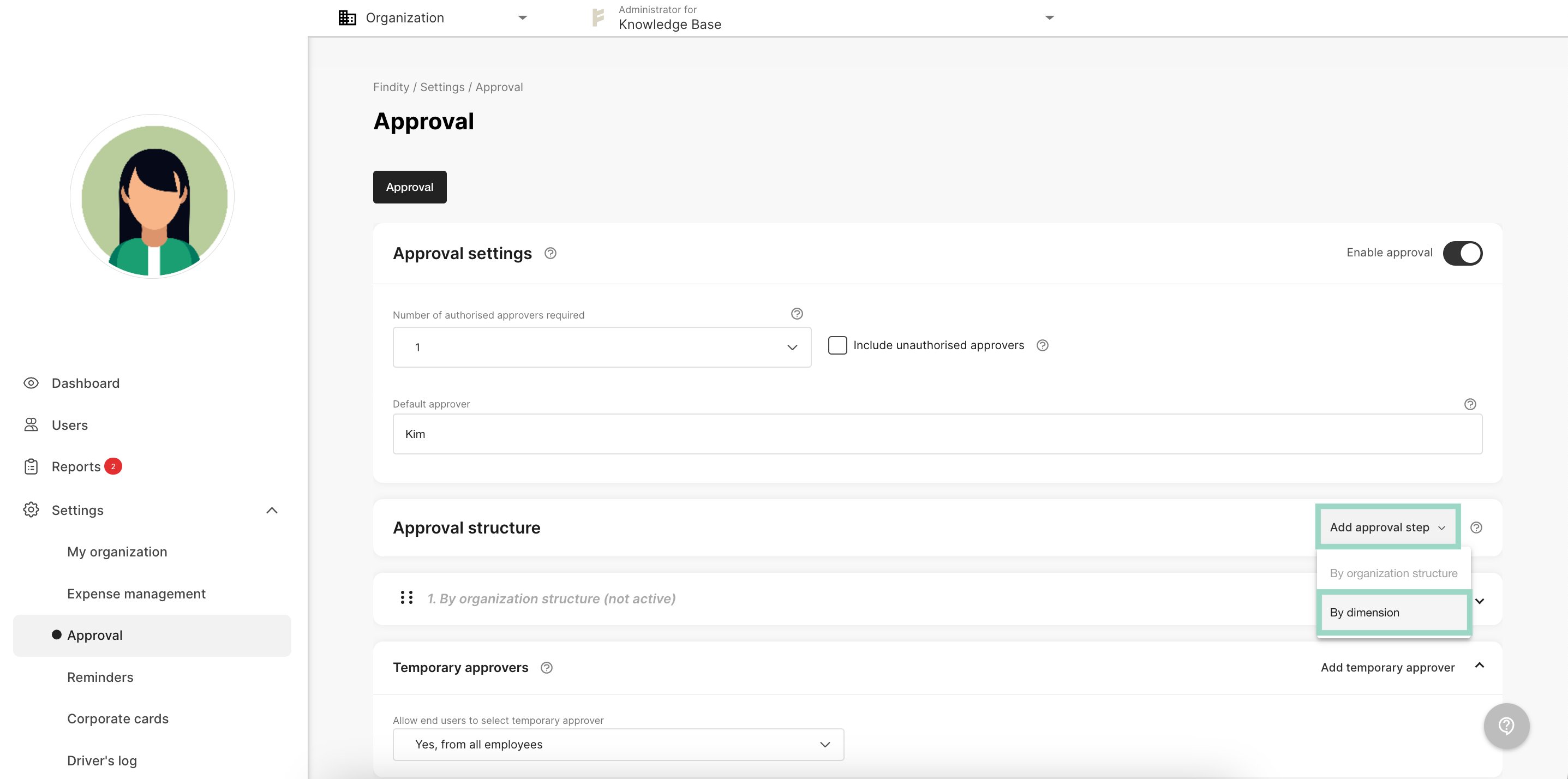
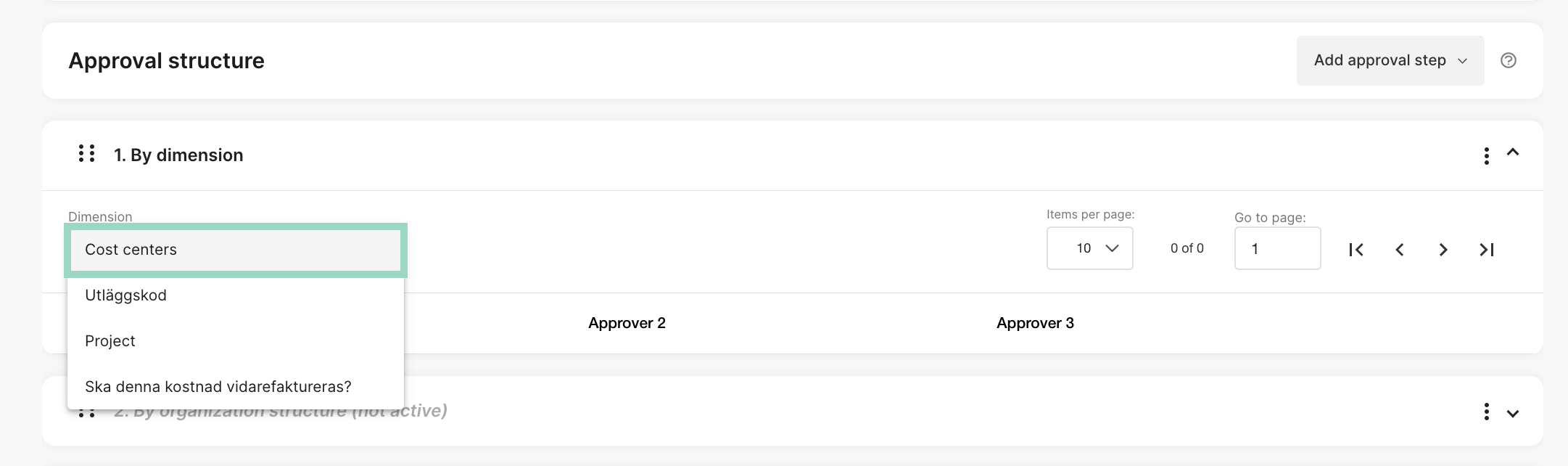
Then choose Cost centersin the Dimension box.
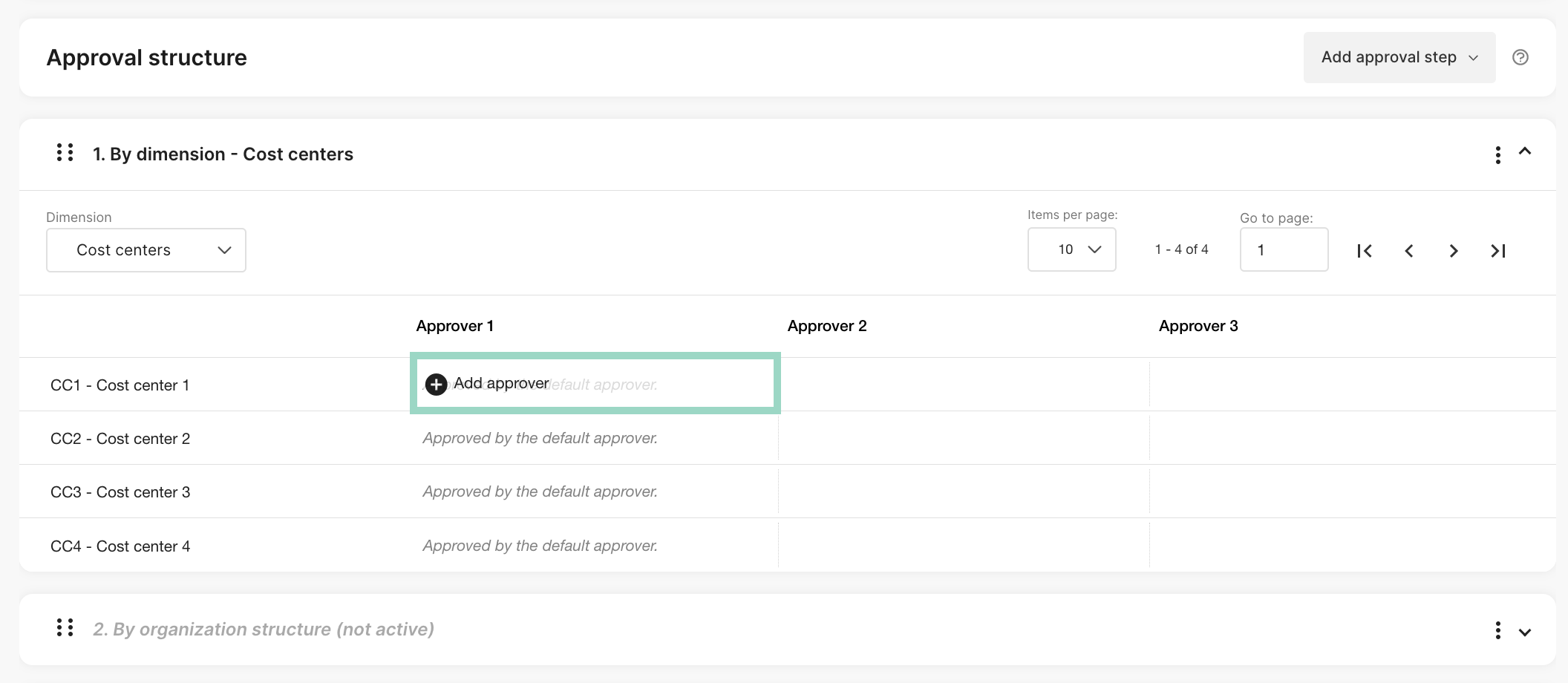
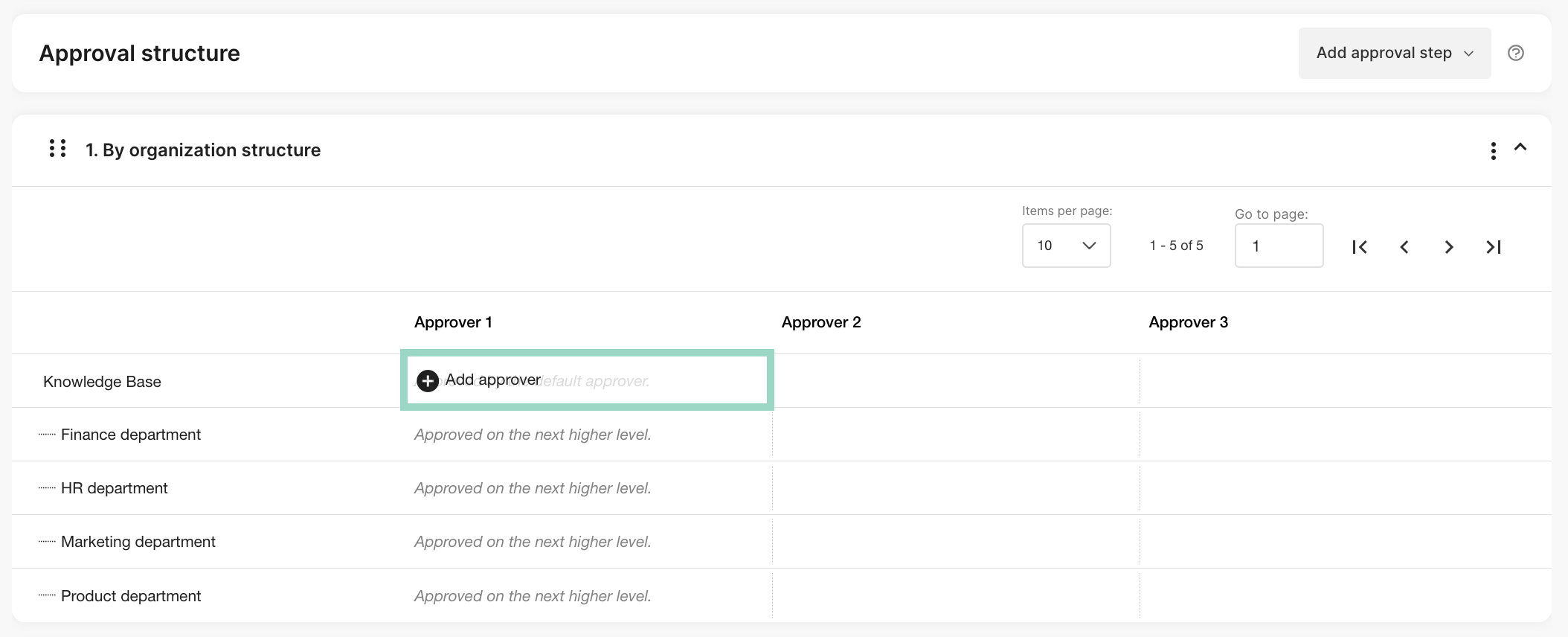
Now you will see all your dimension values (cost centers) that you added to your dimension and it’s time to choose which one that should approve reports for the specific cost centers.Click in the field for the specific cost center under “Approver 1” to add an approver for that cost center.
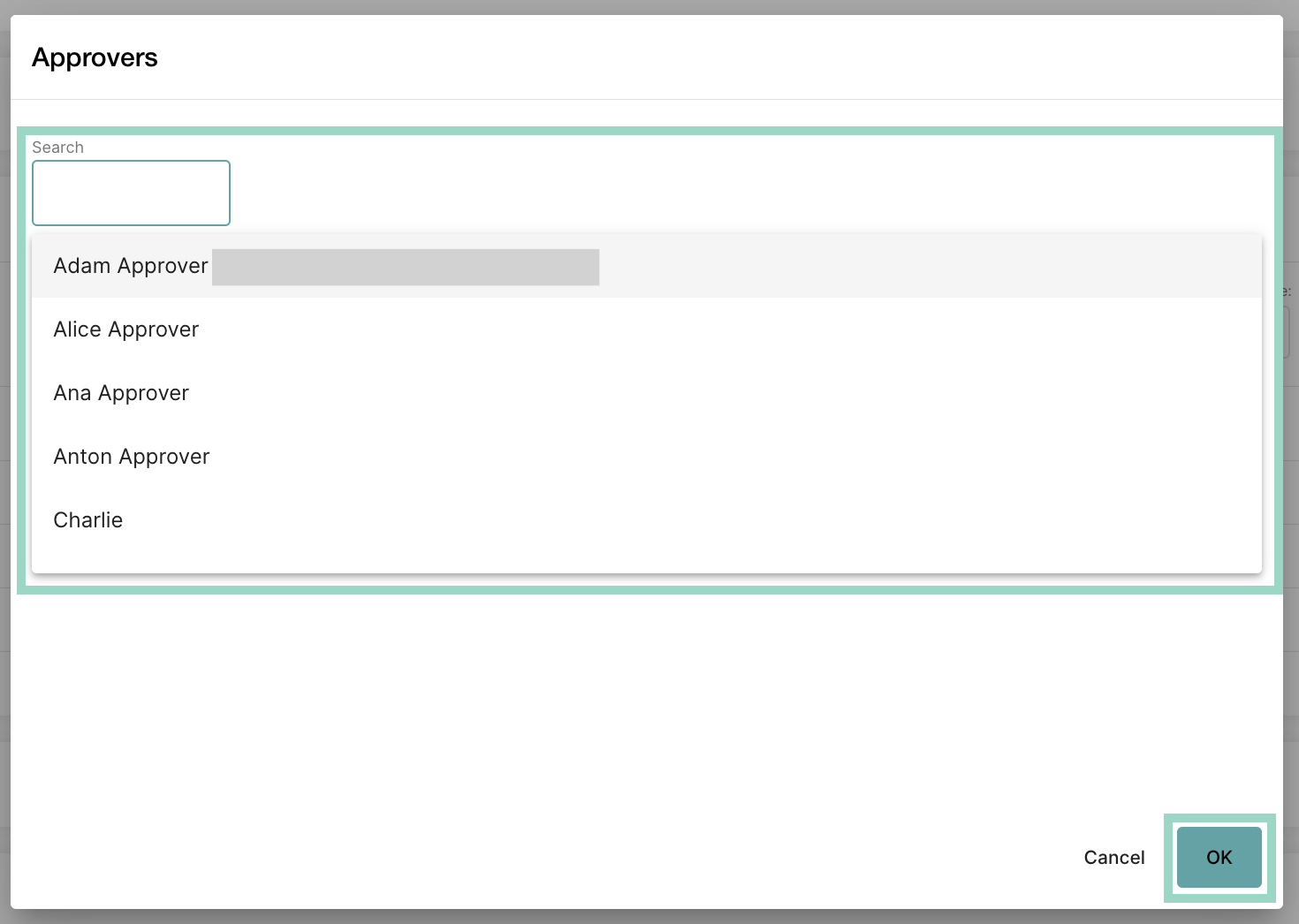
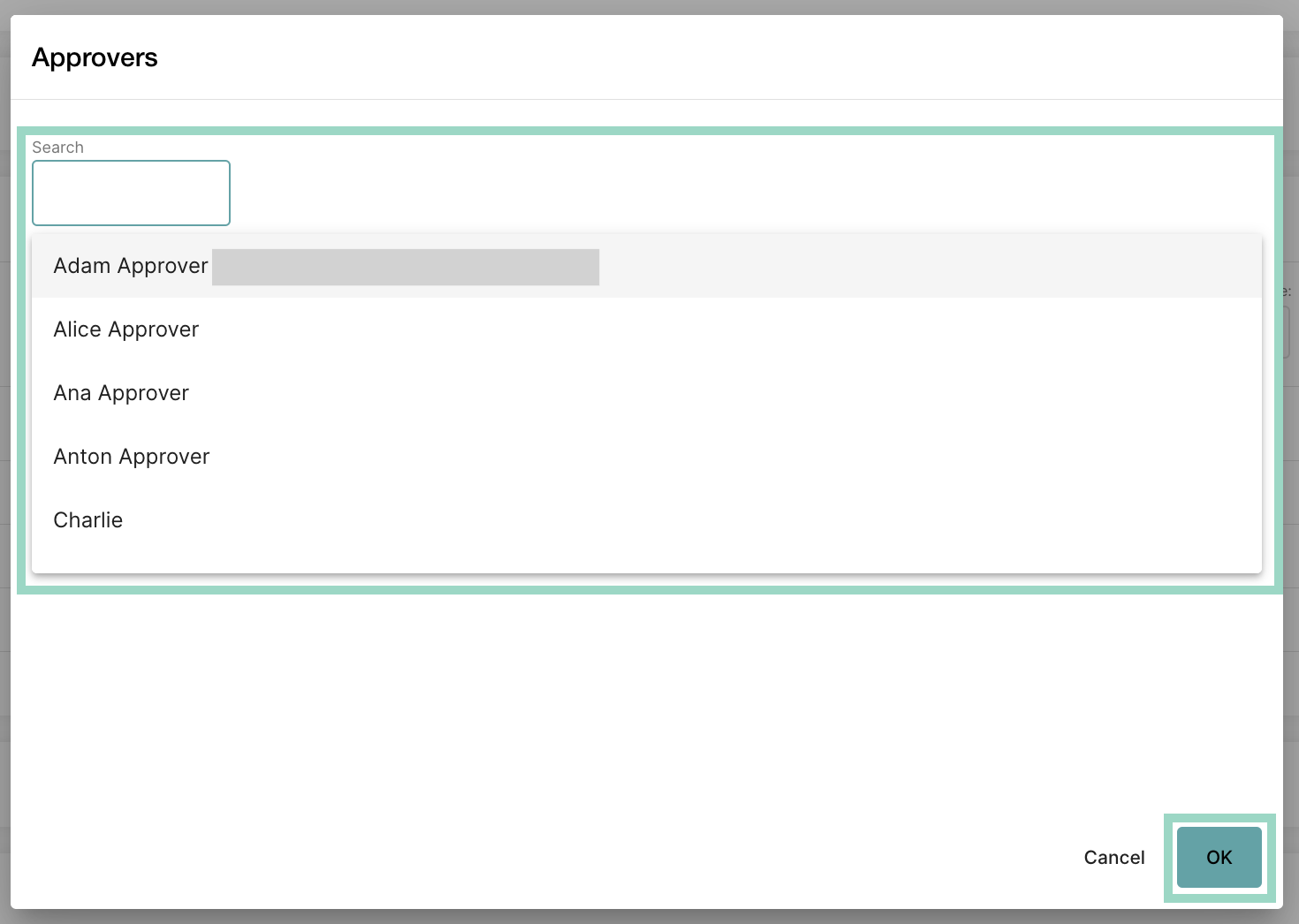
Search for and choose the user that you want as an approver for this cost center and press OK when done.
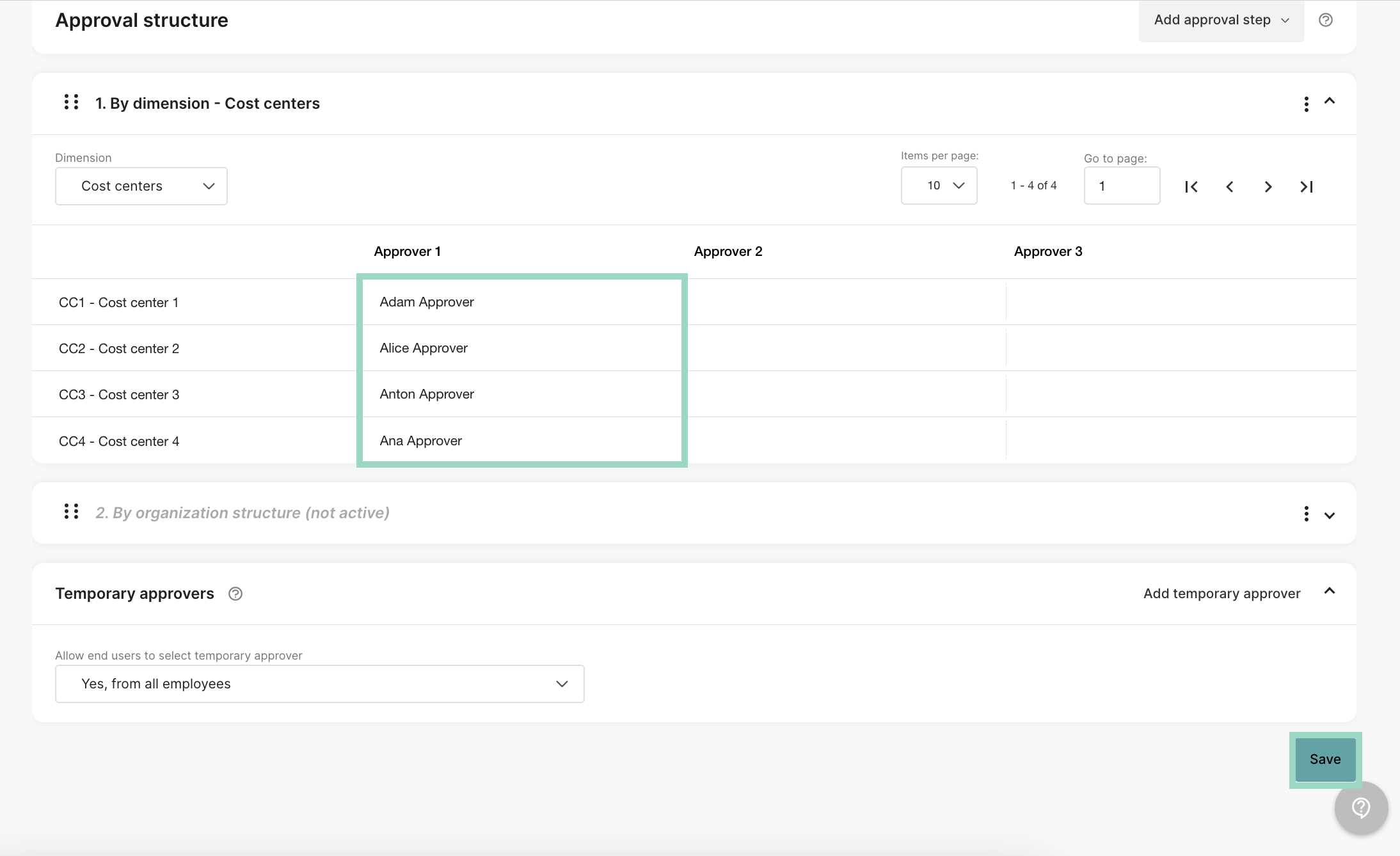
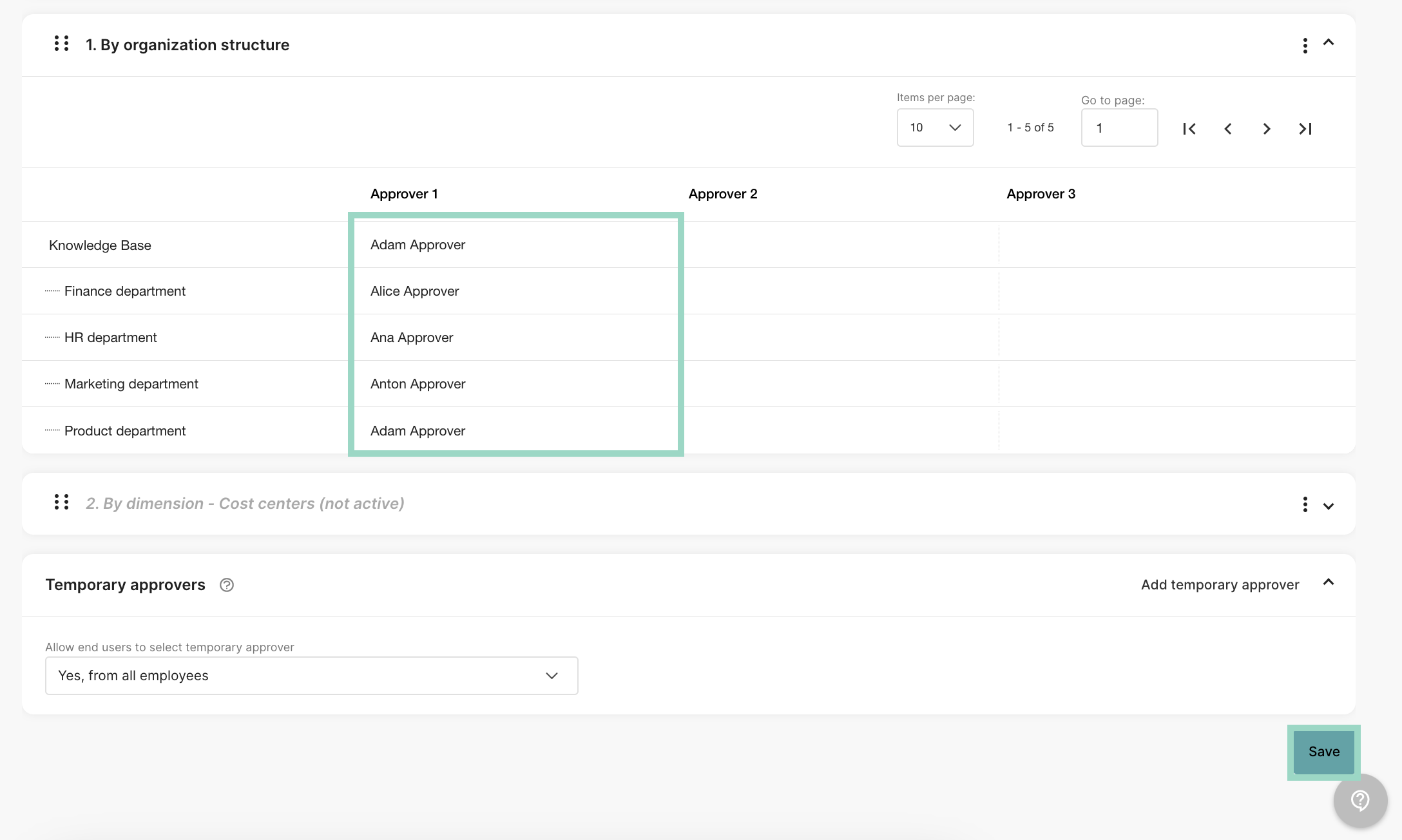
Repeat this for all the cost centers. Press Save to save your settings.
Now you are done with all the settings and you have an approval structure according to your cost centers.Example - Charlie has “CC1” as a preset cost center. This means that Charlie’s reports will be approved by Adam Approver since Adam is the approver on this cost center.