This applies to the following countries
- All countries
Export all accounts
Click on the tab Settings - Expense management - Integrations - Chart of accounts.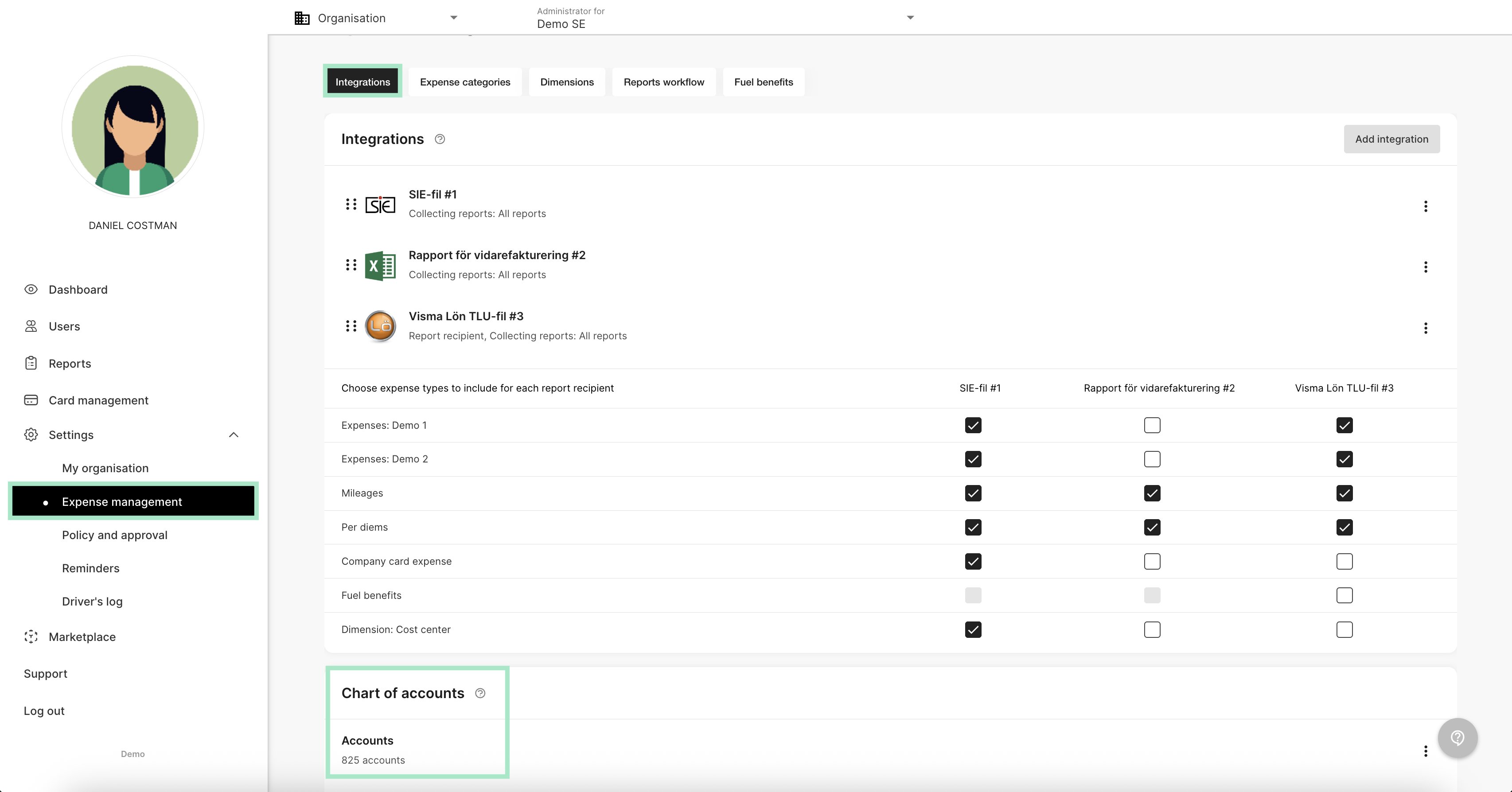
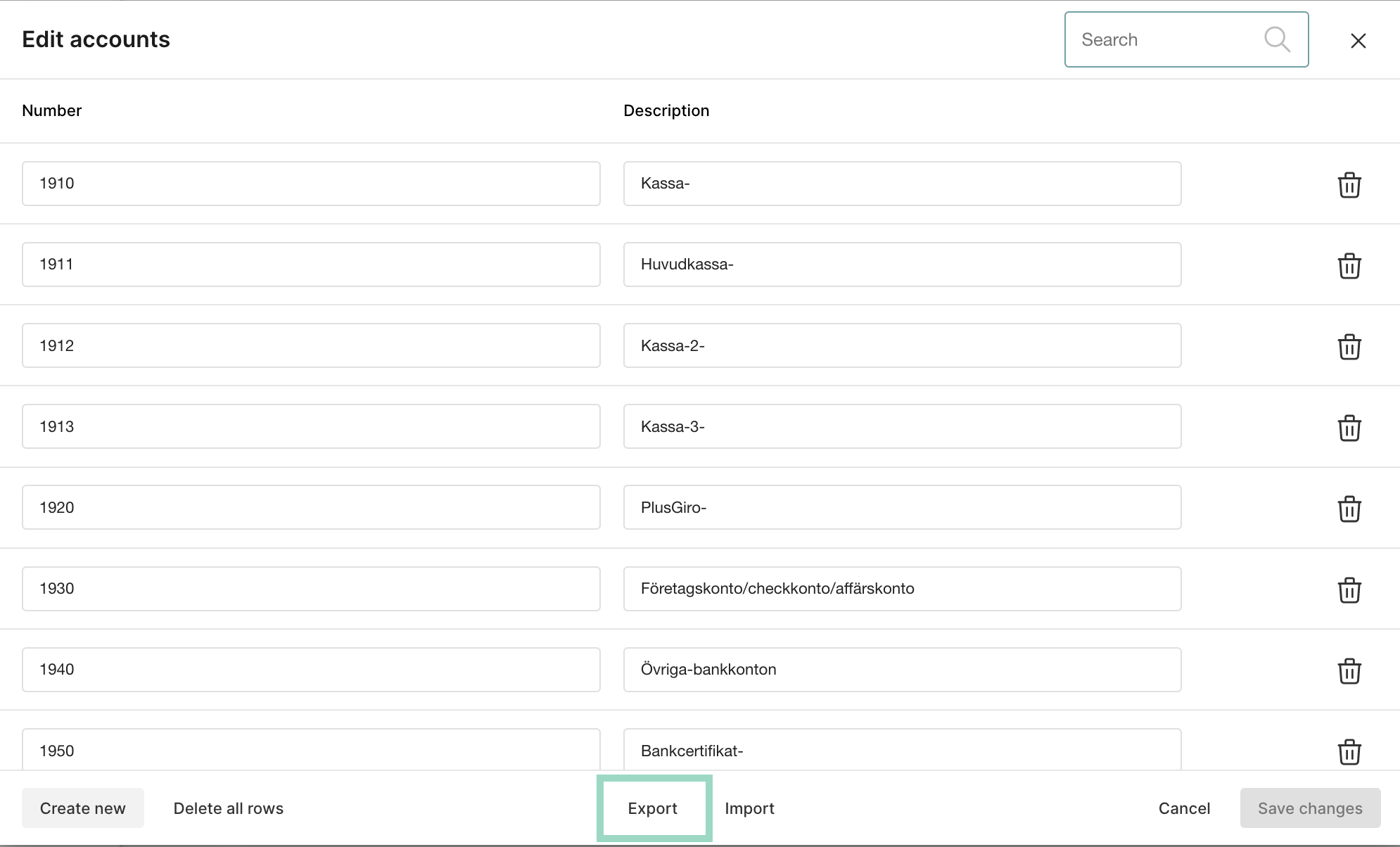
Import new account
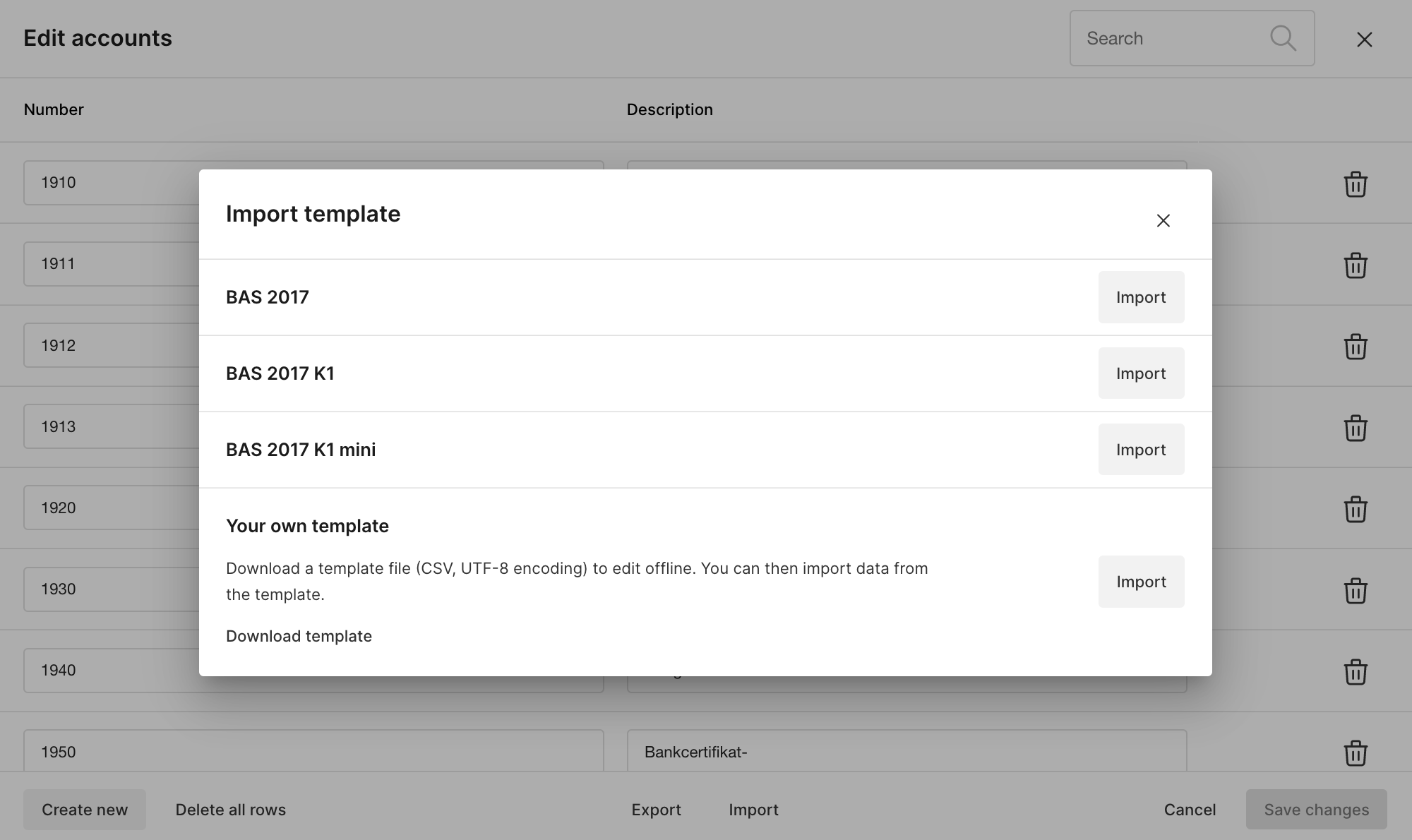
If you want to import new accounts, click on the Import box and choose how you want to import.