

This article applies to the following contries
- Norway
How to administrate:
- Go to your Norwegian organisation and log in as an Administrator
- Go to Organisation / Settings / Expense Management / Expense categories and Per diem.
- Go to the cogwheel on your category
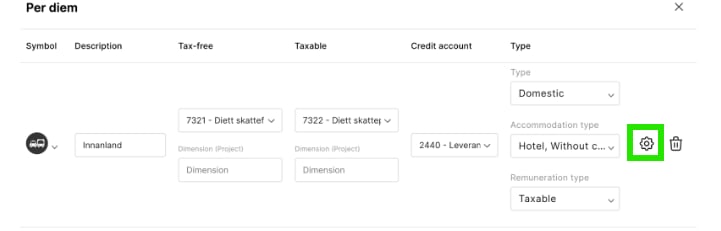
- Click on “Deviating accounting for accommodation” and set the account number or salary type for the accommodation types.
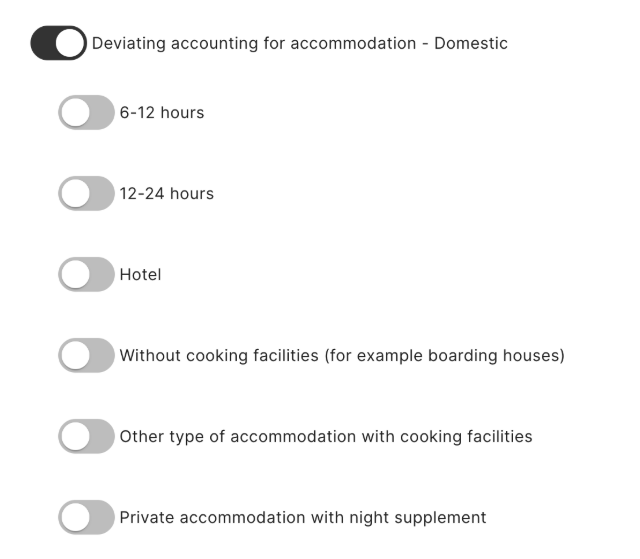
- If both accounting and salary systems are used for the organisation, both will show up. Otherwise only Account number or Salary types.
- This function works for both domestic and International Per diem for Norway.