

This article applies to the following countries
- All countries
Retract expense
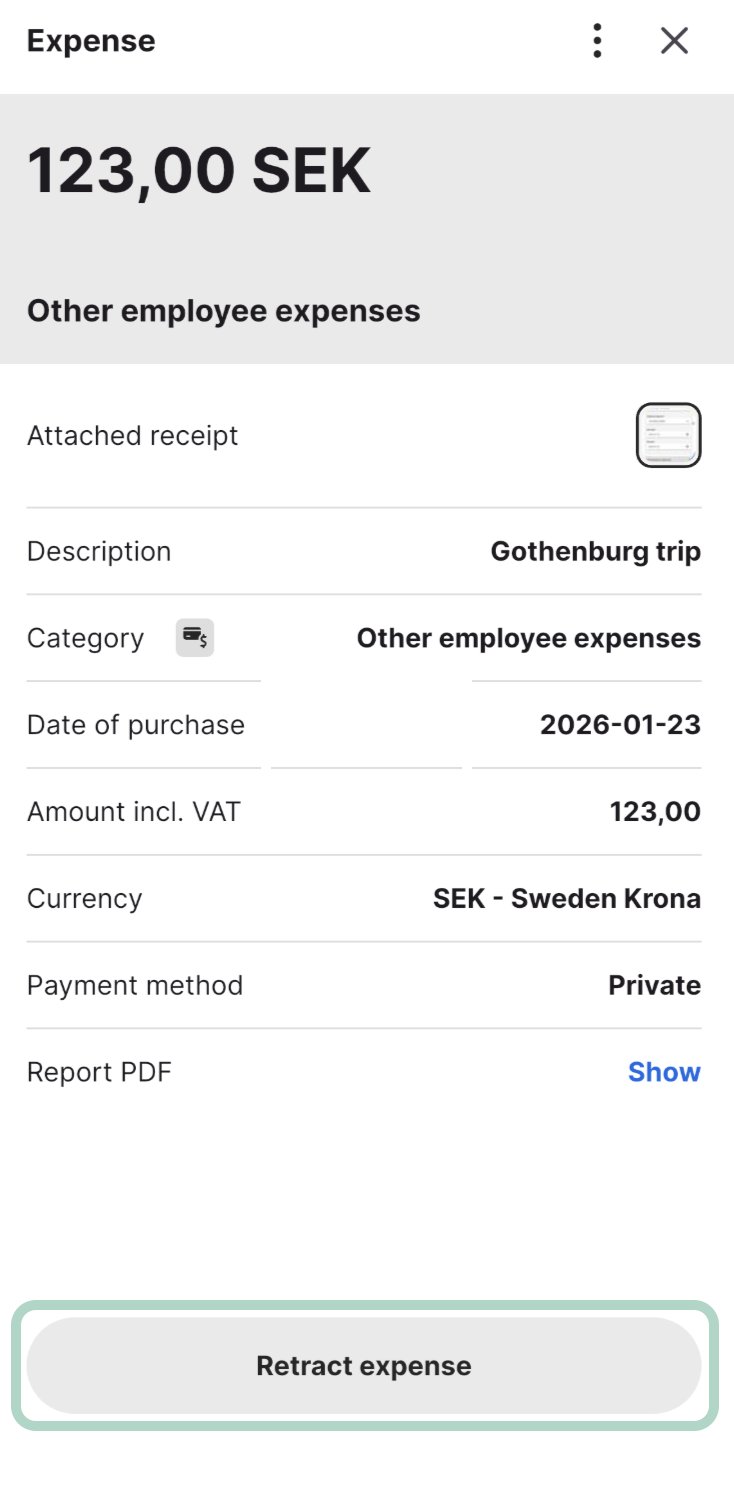
The feature enables users to retract their own expenses if they realize that there has been a misstake in the expense, or that they need to update the information they have submitted. Eliminates unnecessary expense related communication between the approver.How it works
- User submits an expense and realizes e.g. the amount was entered incorrectly.
- User navigates to the “Submitted” tab in the app.
- User selects the specific expense/report.
- User clicks the Retract button, and confirms the confirmation pop-up.
- The approver receives a notification that the item was retracted.
- Retraction is only possible before the approver has approved/rejected the expense, and the report has been moved to the status “done”