

This article applies to the following countries
- All countries
- Web
- App
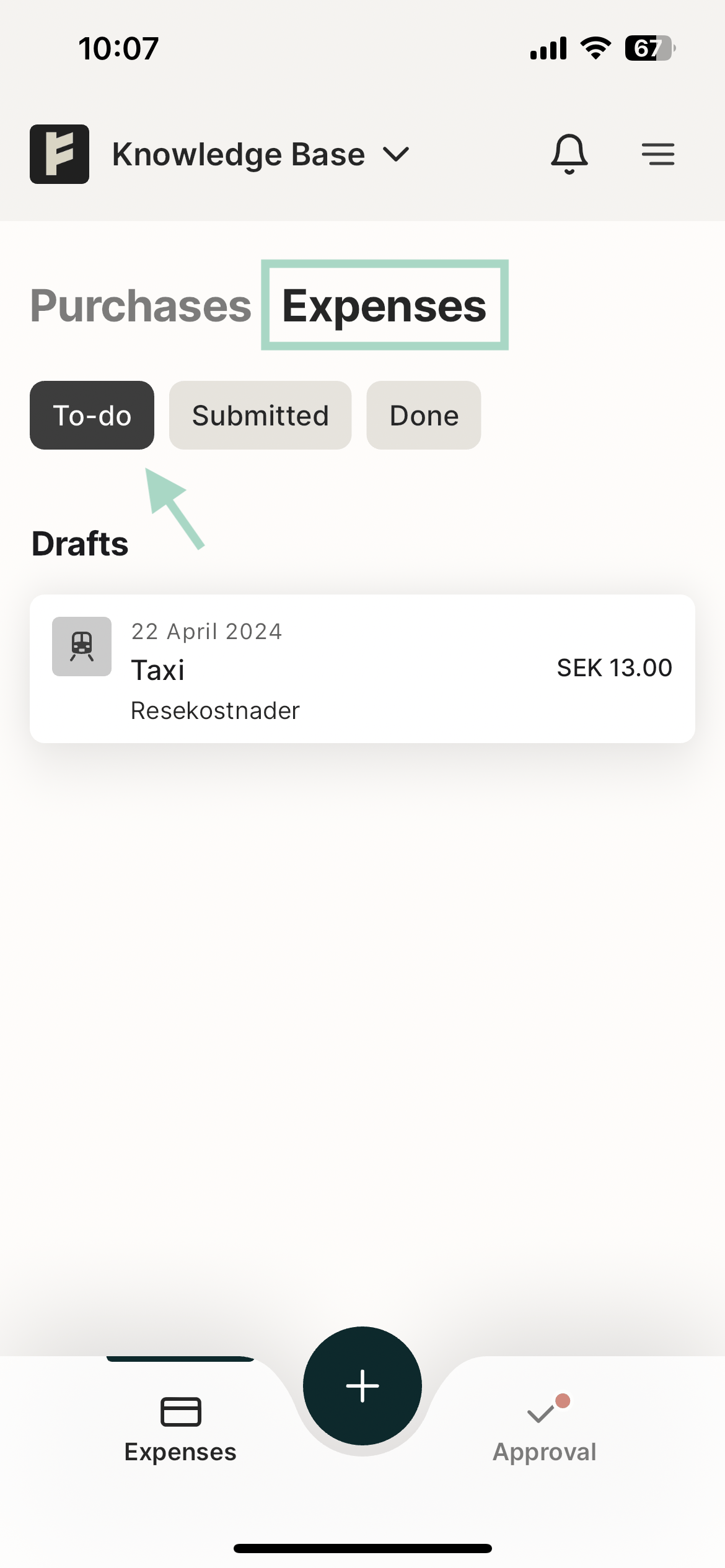
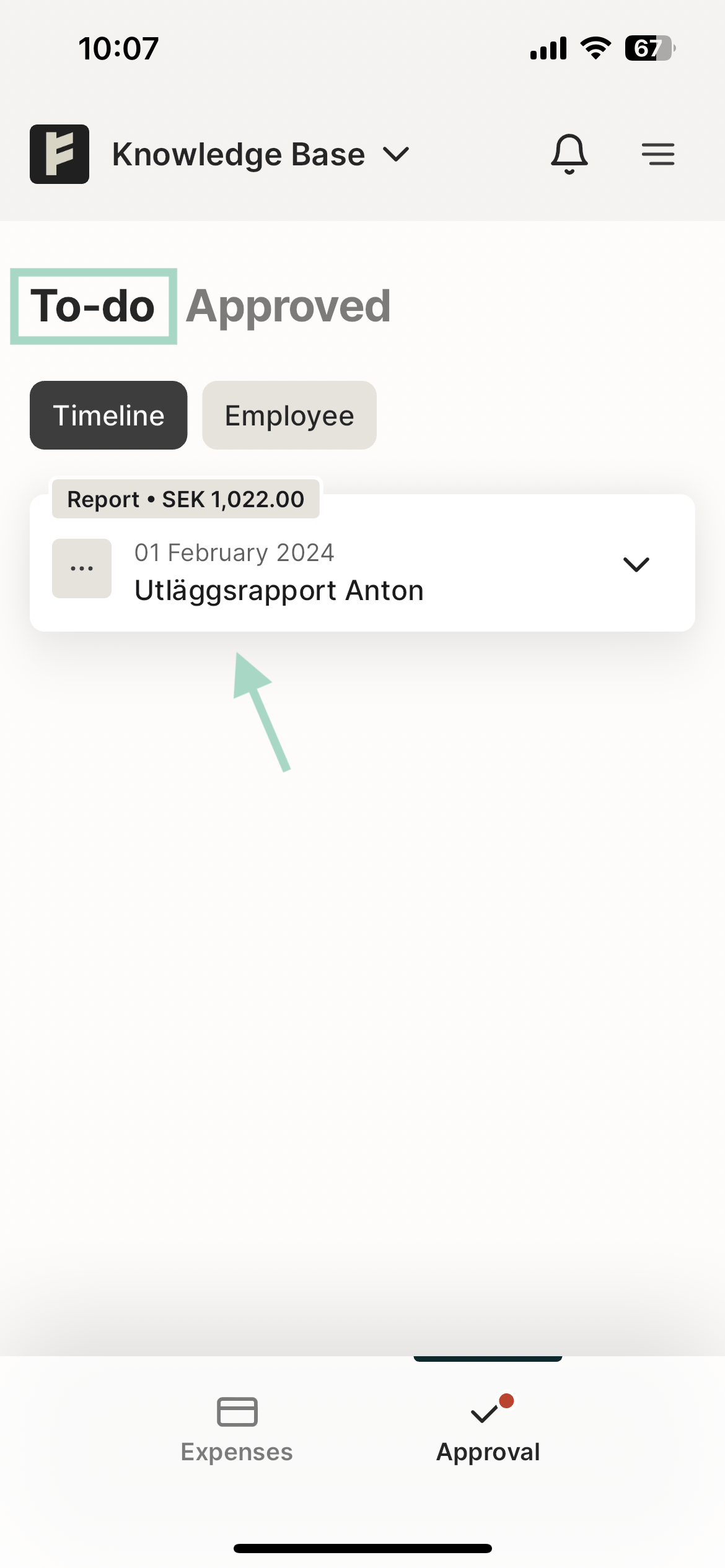
On the web, you can find the To-do tab under Expenses.Under this tab, you will find your drafts that have not yet been submitted, as well as rejected reports.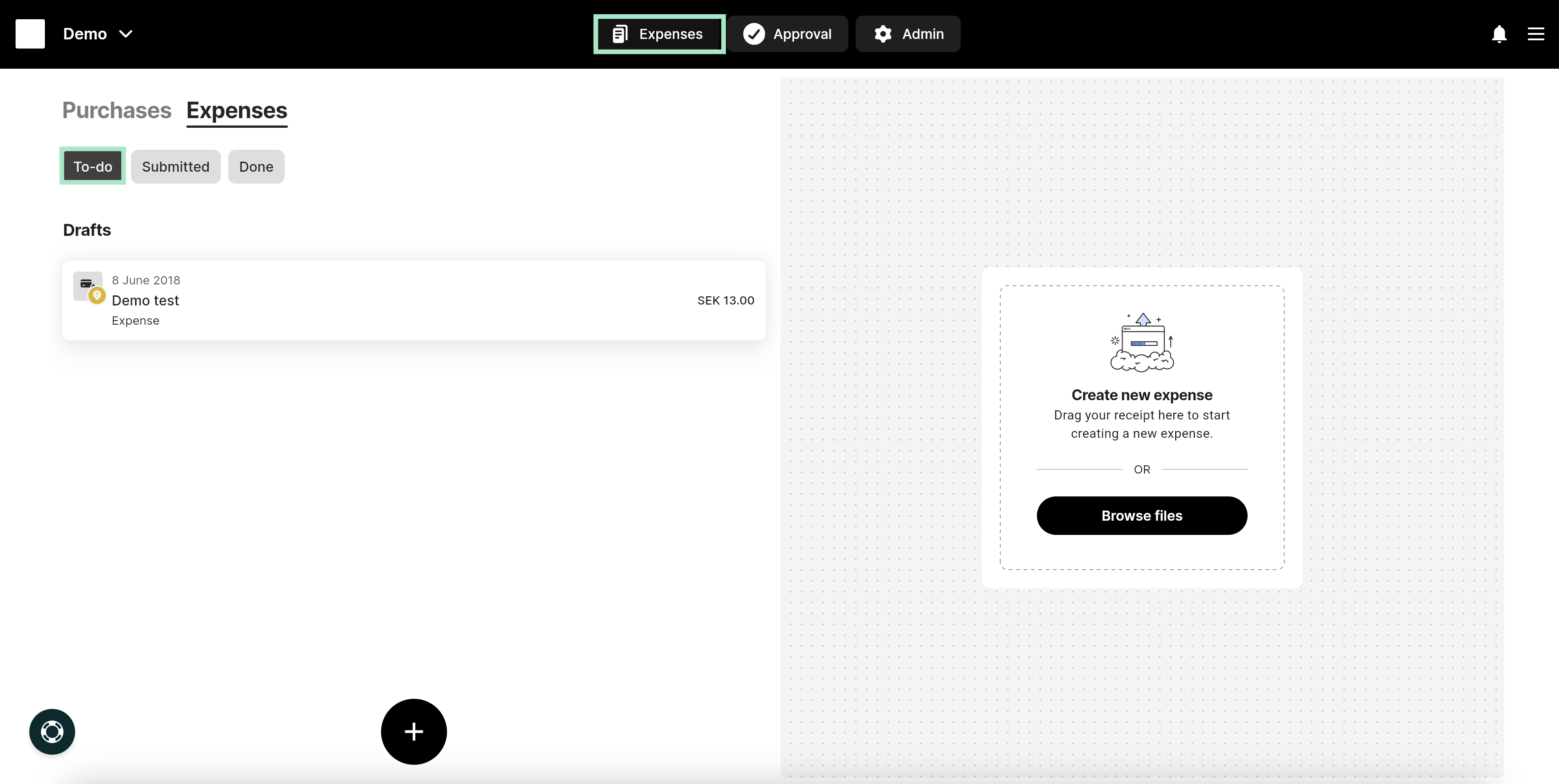
Related articles
- Can I have the same email address linked to several different organisations?
- Can I e-mail my receipts from several different e-mail addresses?
- How do I change my notifications preferences in the app?
- How can I allow access to the camera in the app?
- My expenses have been sent to the wrong approver. How do I change that setting?