

This article applies to the following countries
- Sweden
- Norway
- Denmark
- Finland
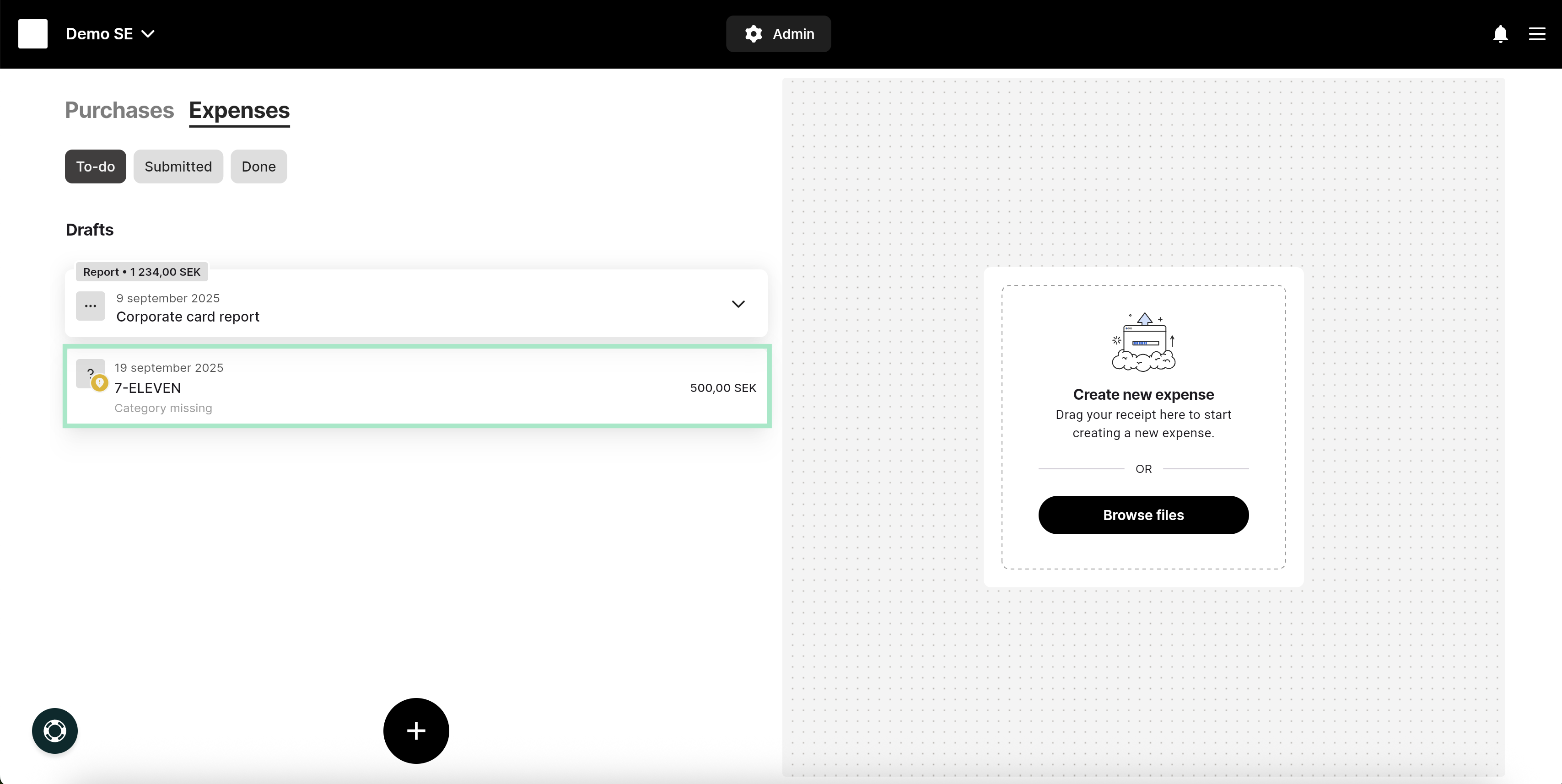
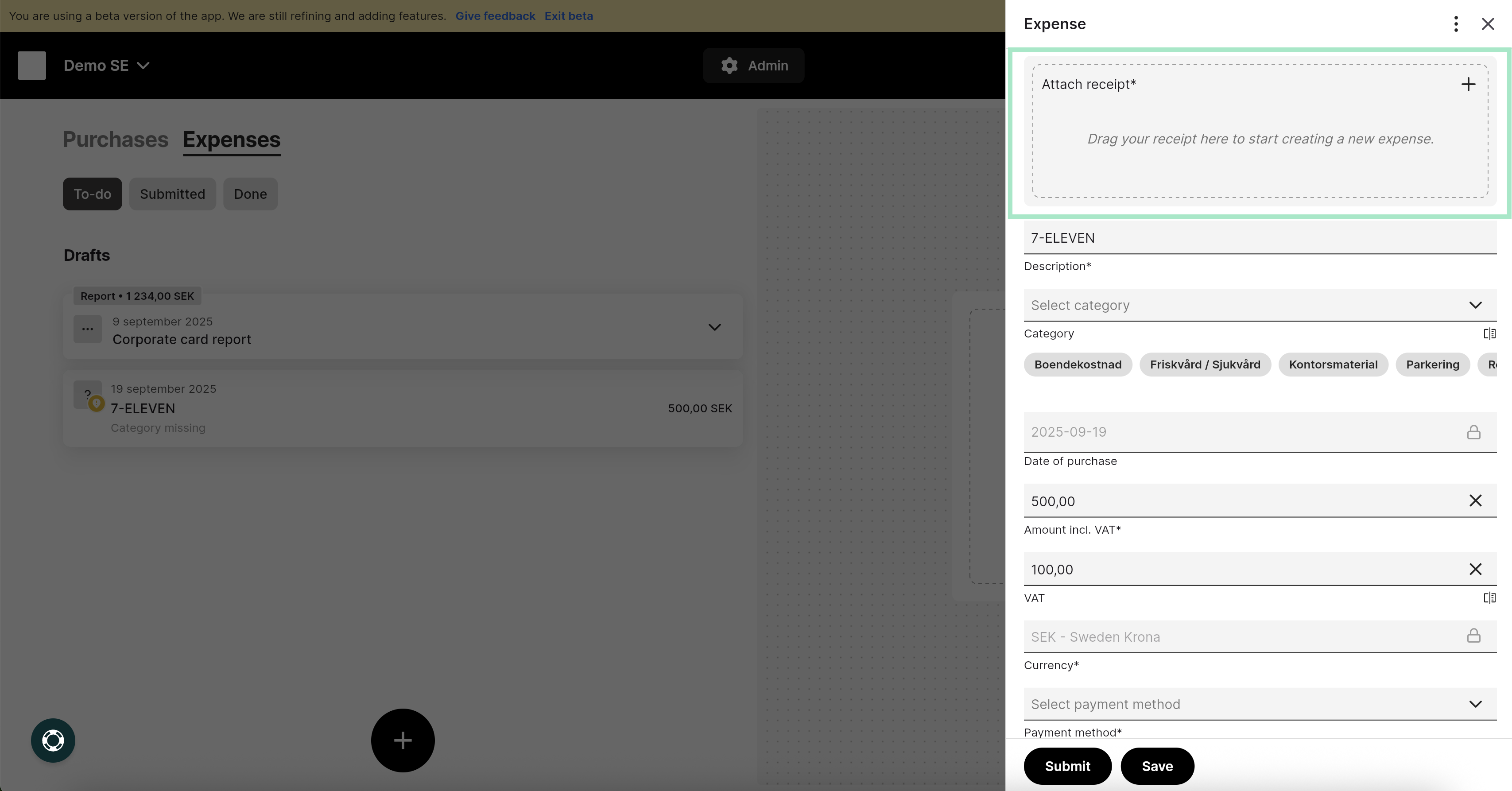
- The card holder is responsible for the payment The user (cardholder) must create a report themselves in order to submit their transactions.
- The organization is responsible for the payment A report is automatically generated for the user when the invoice is sent from the bank at the end of the period. Once the report has been created, you can submit your transactions.
- 1. Personal liability (Invoice sent to the card holder)
- 2. Corporate liability (Invoice sent to the company)
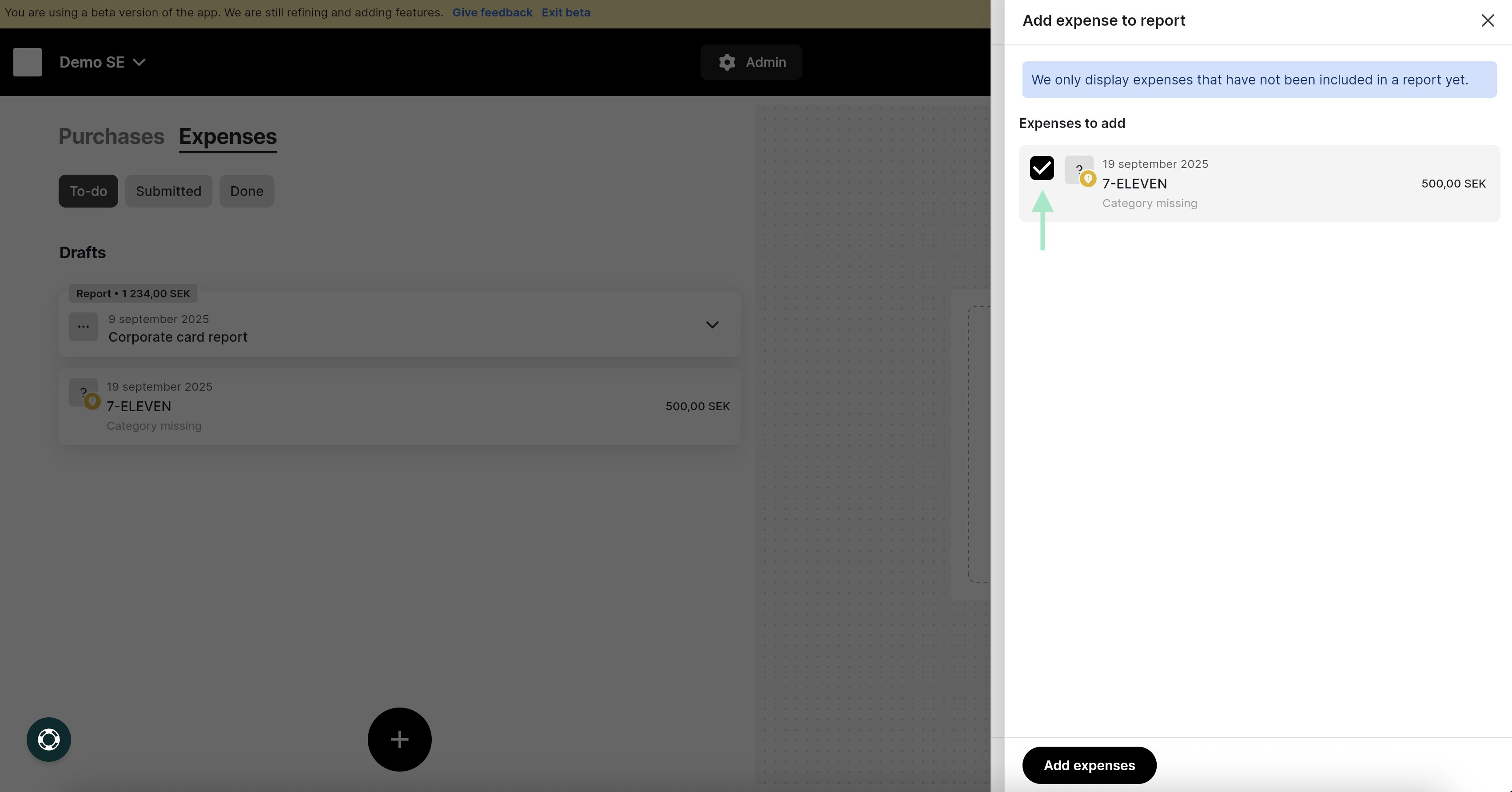
To submit your expenses, you need to create an expense report. Click the plus sign at the bottom of the view and select New Expense Report.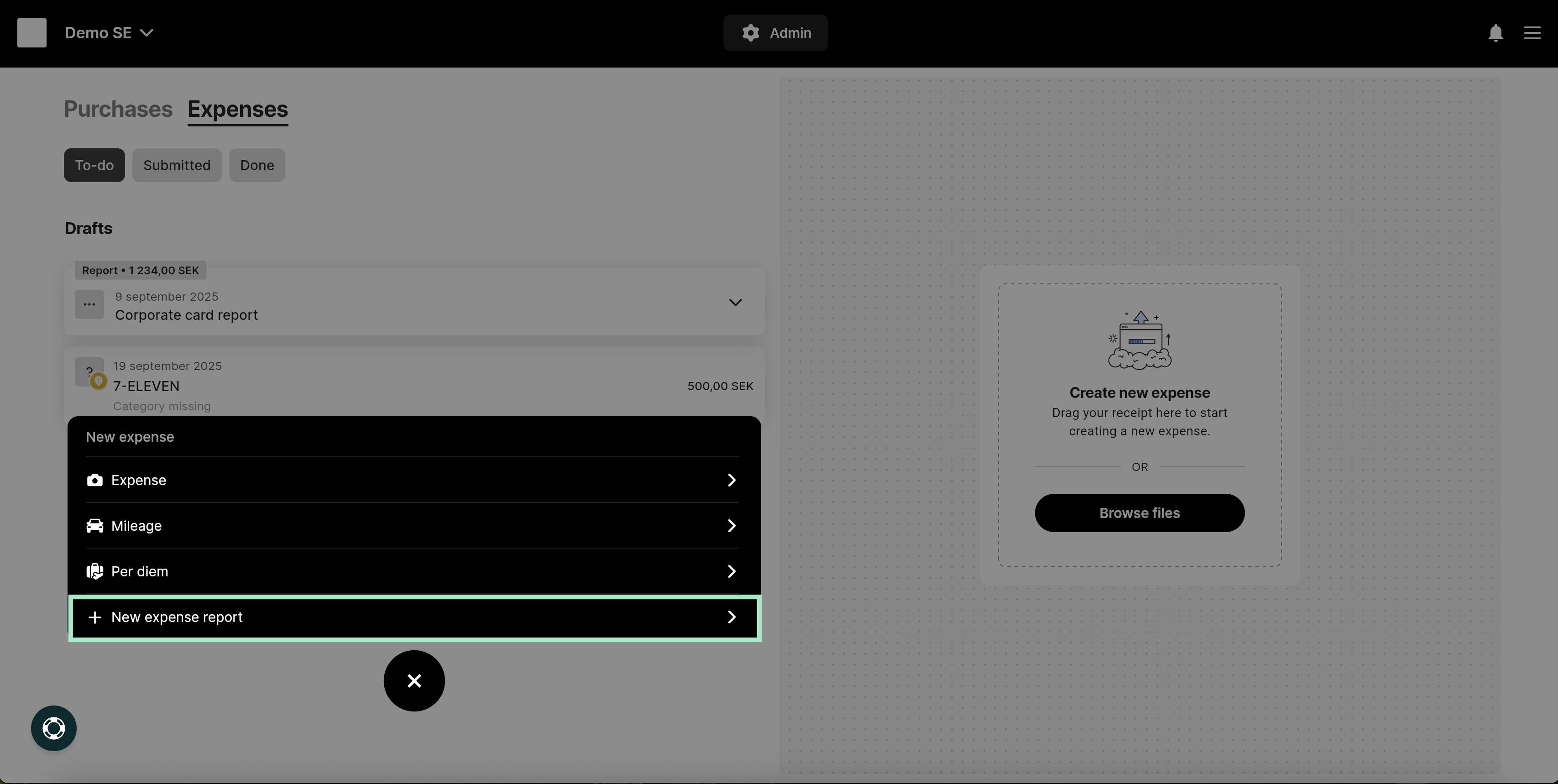
Related articles
- I made a personal purchase with my corporate card. How do I report this as a personal purchase?
- I have submitted a report with a manually created expense but now I have received bank transactions on my user for the same expense/receipt. What should I do?
- How do I import a receipt for my corporate card transaction from an already existing expense?
- How do I connect my VISA card?
- Mastercard - Real time transactions