

This article applies to the following countries
- All countries
>> Martin testing again and again and again : Delete this comment once test is done <<
Related articles
- I made a personal purchase with my corporate card. How do I report this as a personal purchase?
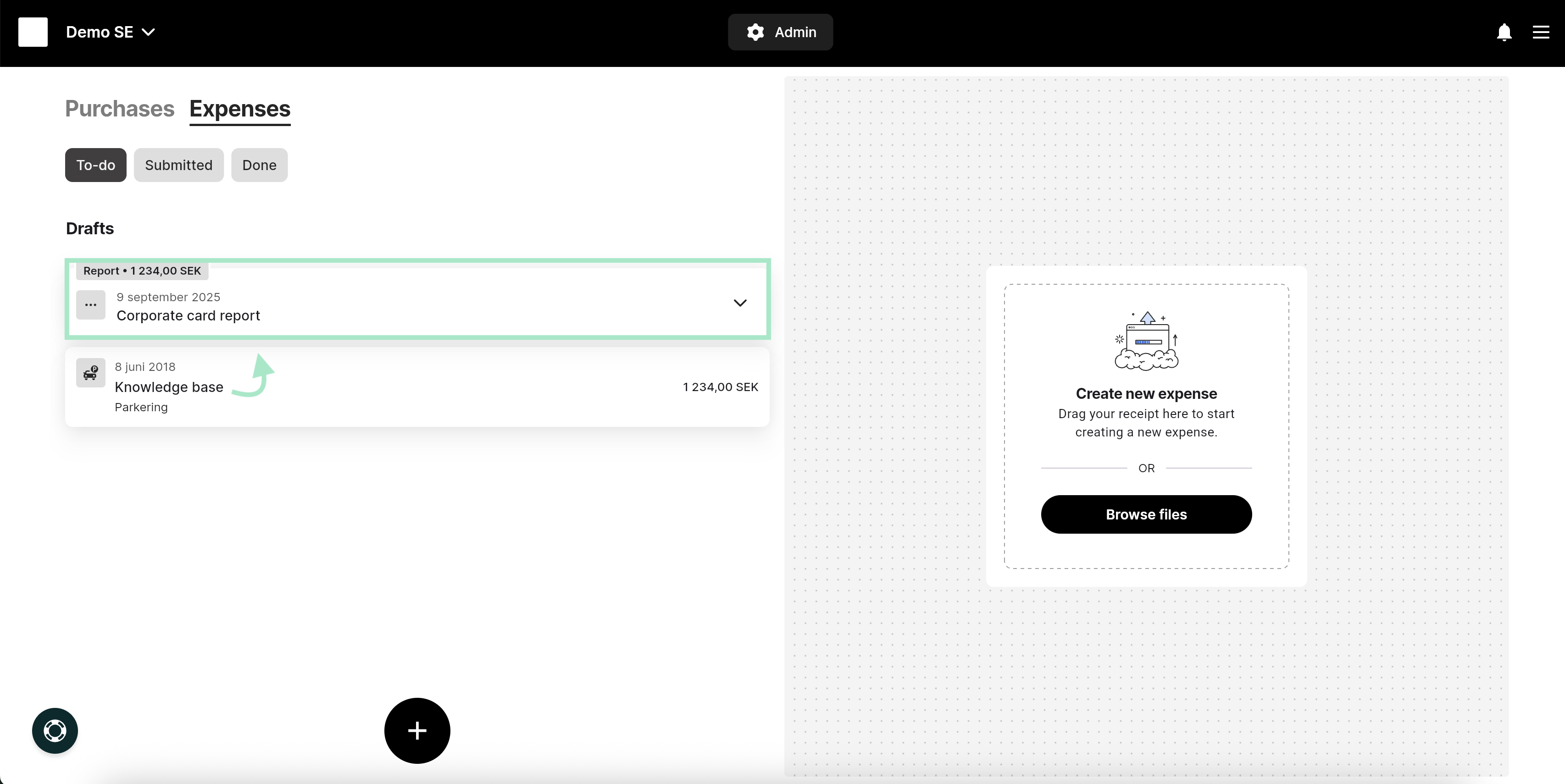
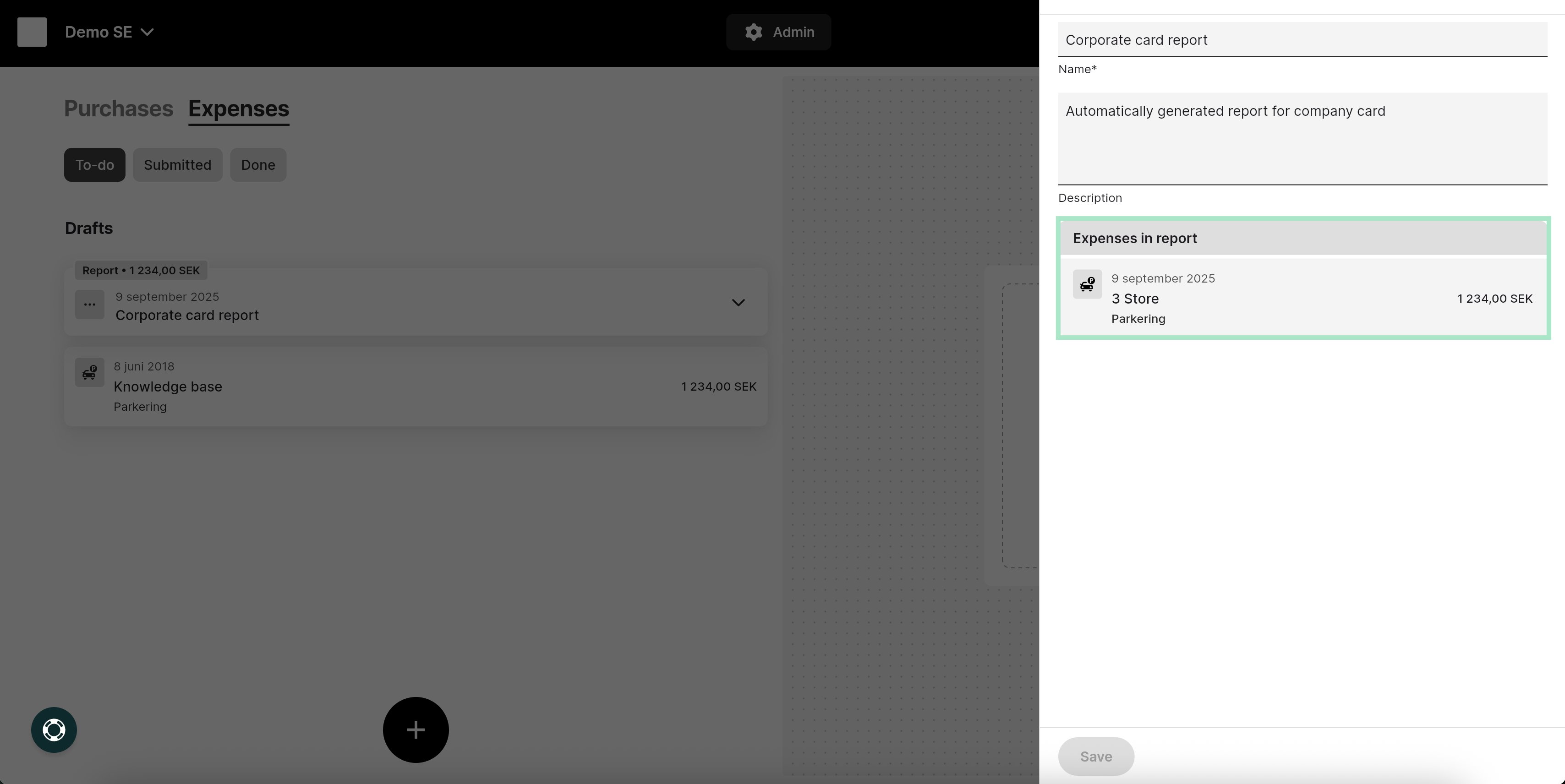
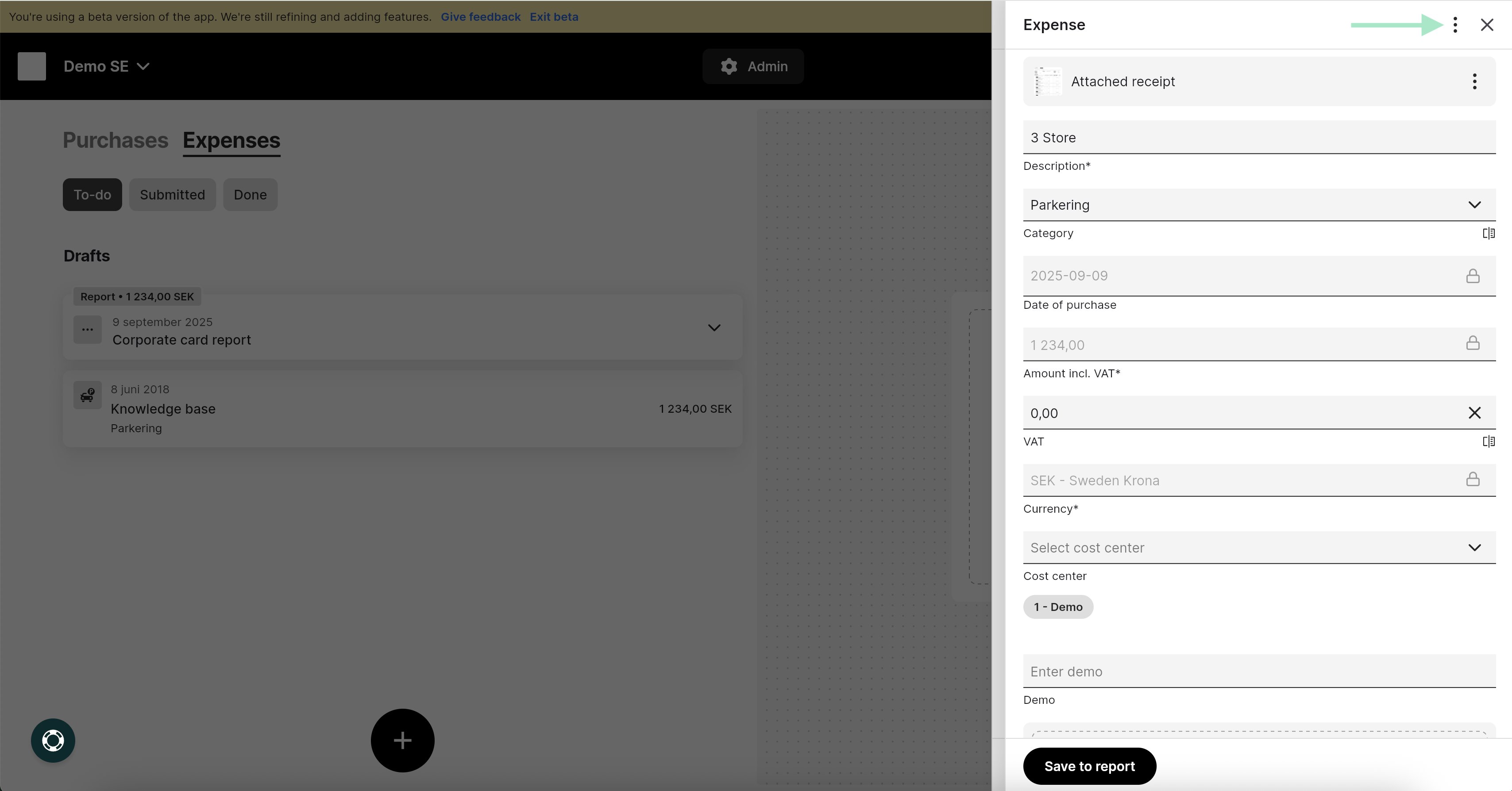
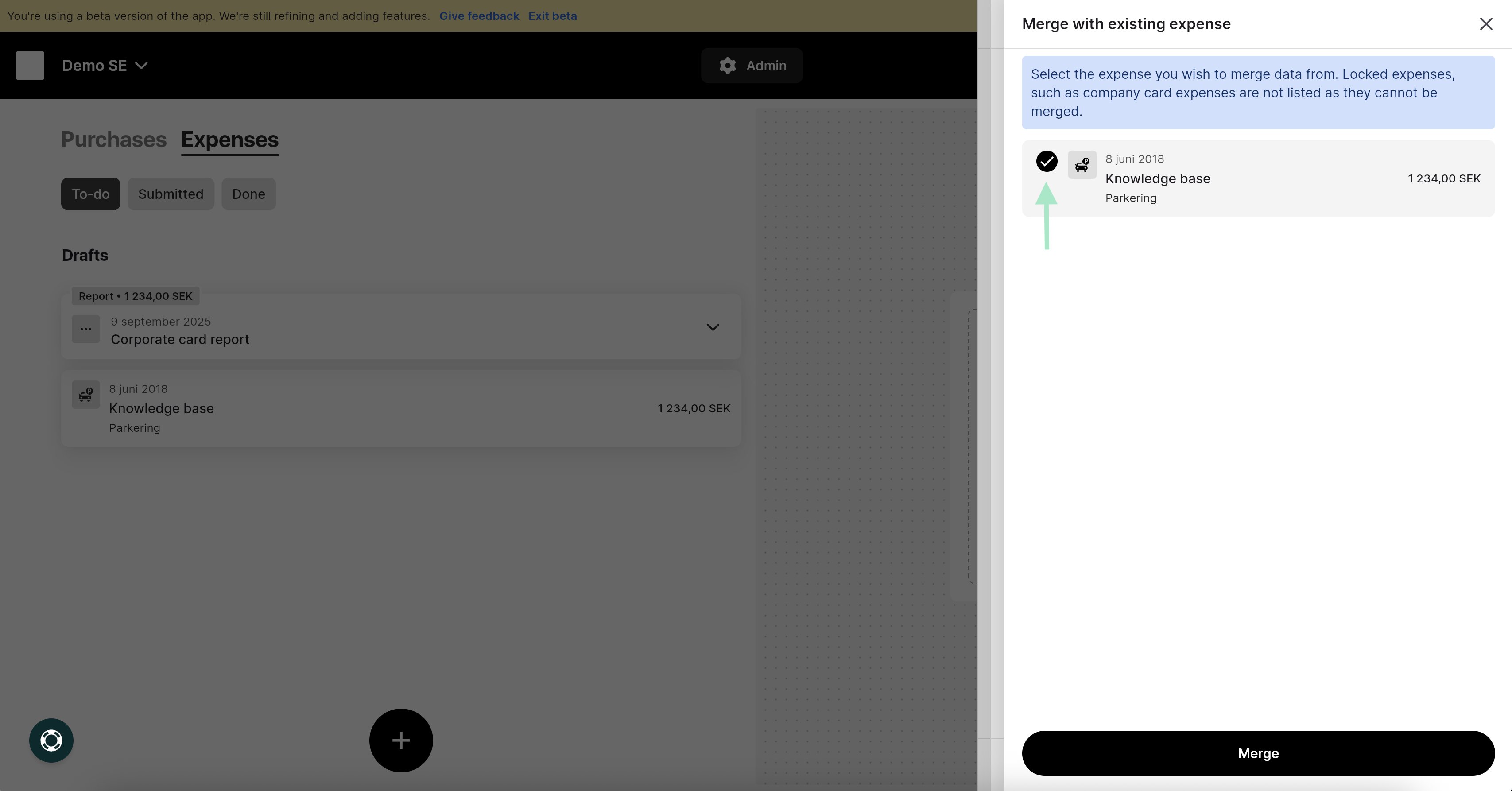
- I have submitted a report with a manually created expense but now I have received bank transactions on my user for the same expense/receipt. What should I do?
- How do I connect my VISA card?
- Mastercard - Real time transactions
- How do I manage my transactions from Nordea First Card Real Time?